To ensure your company's information is accurate and up-to-date, follow these steps to update your company details in the system:
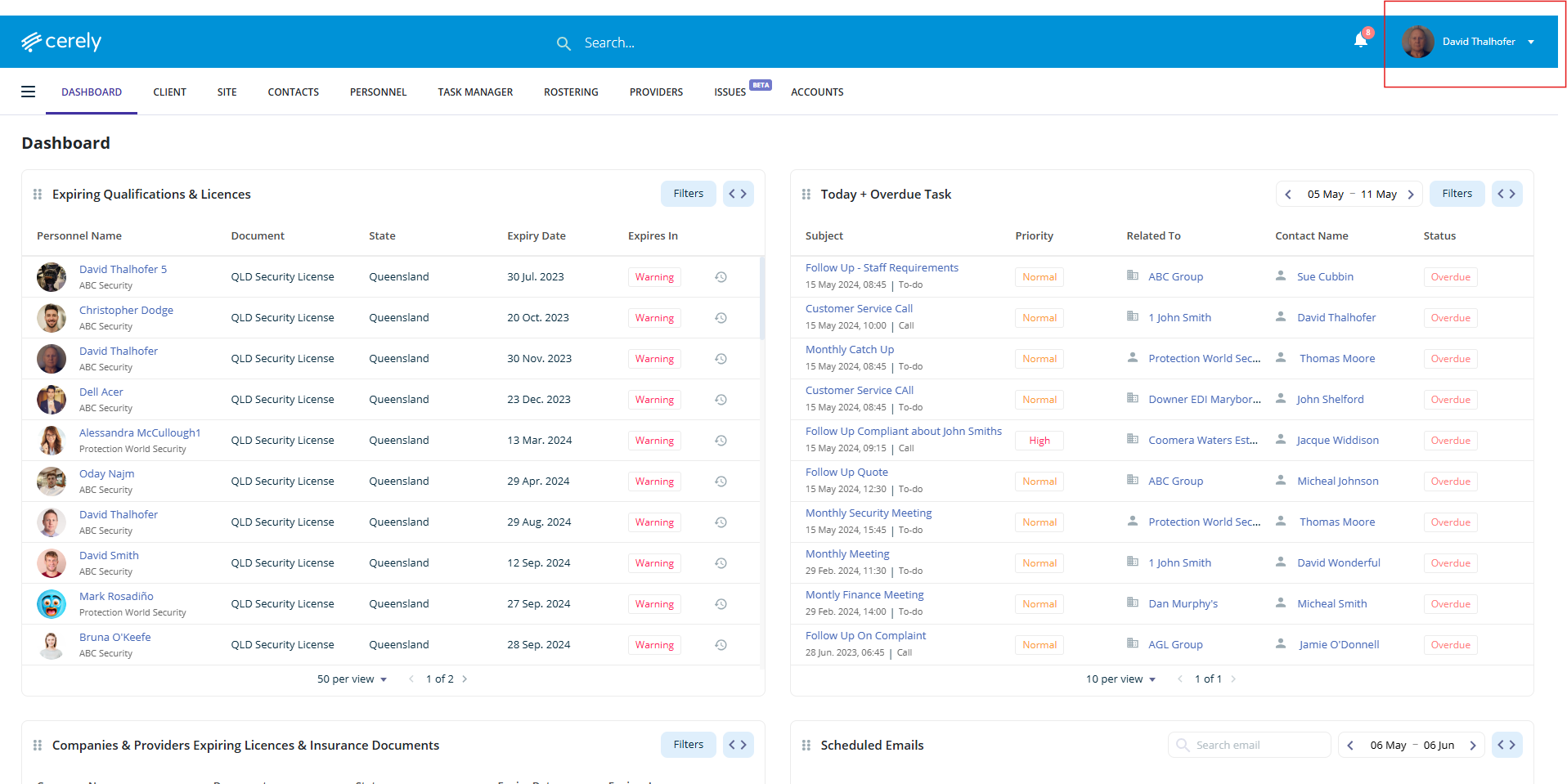
1. Click on your profile icon in the top right-hand corner of the screen
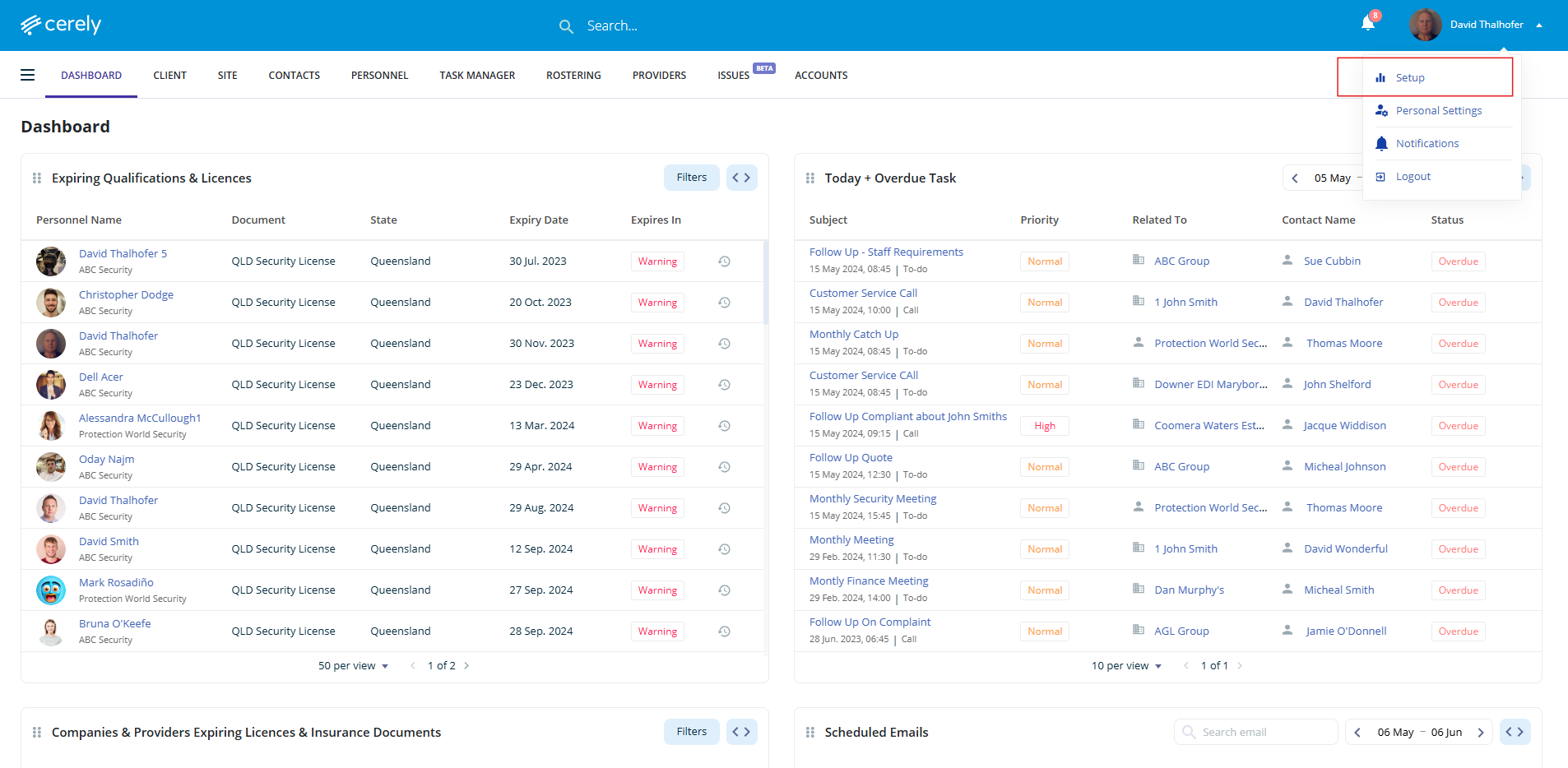
2. Select Setup from the dropdown menu
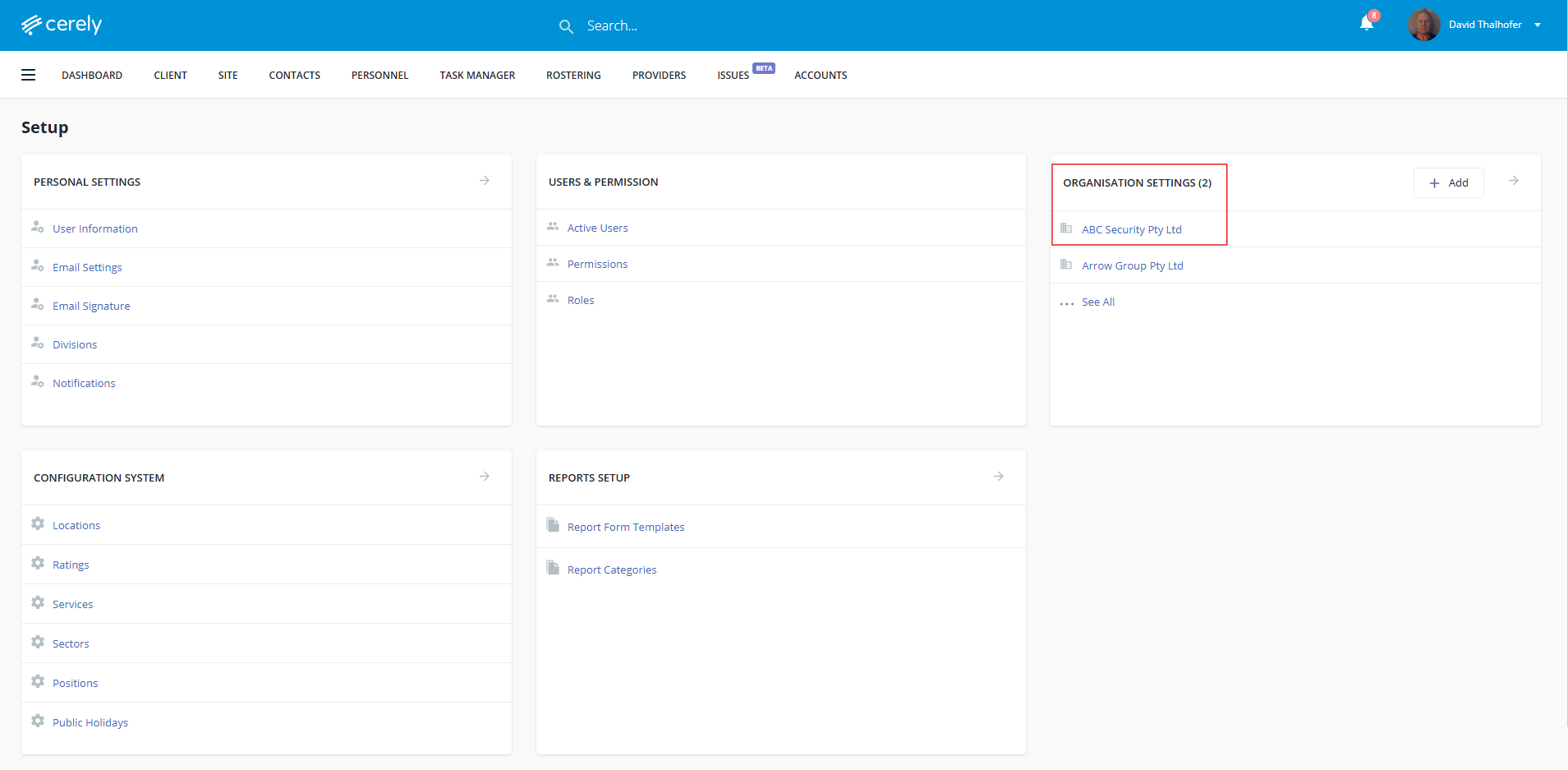
3. Under Organisation Settings, select your organisation name
4. In the left-hand menu, click on Company Details
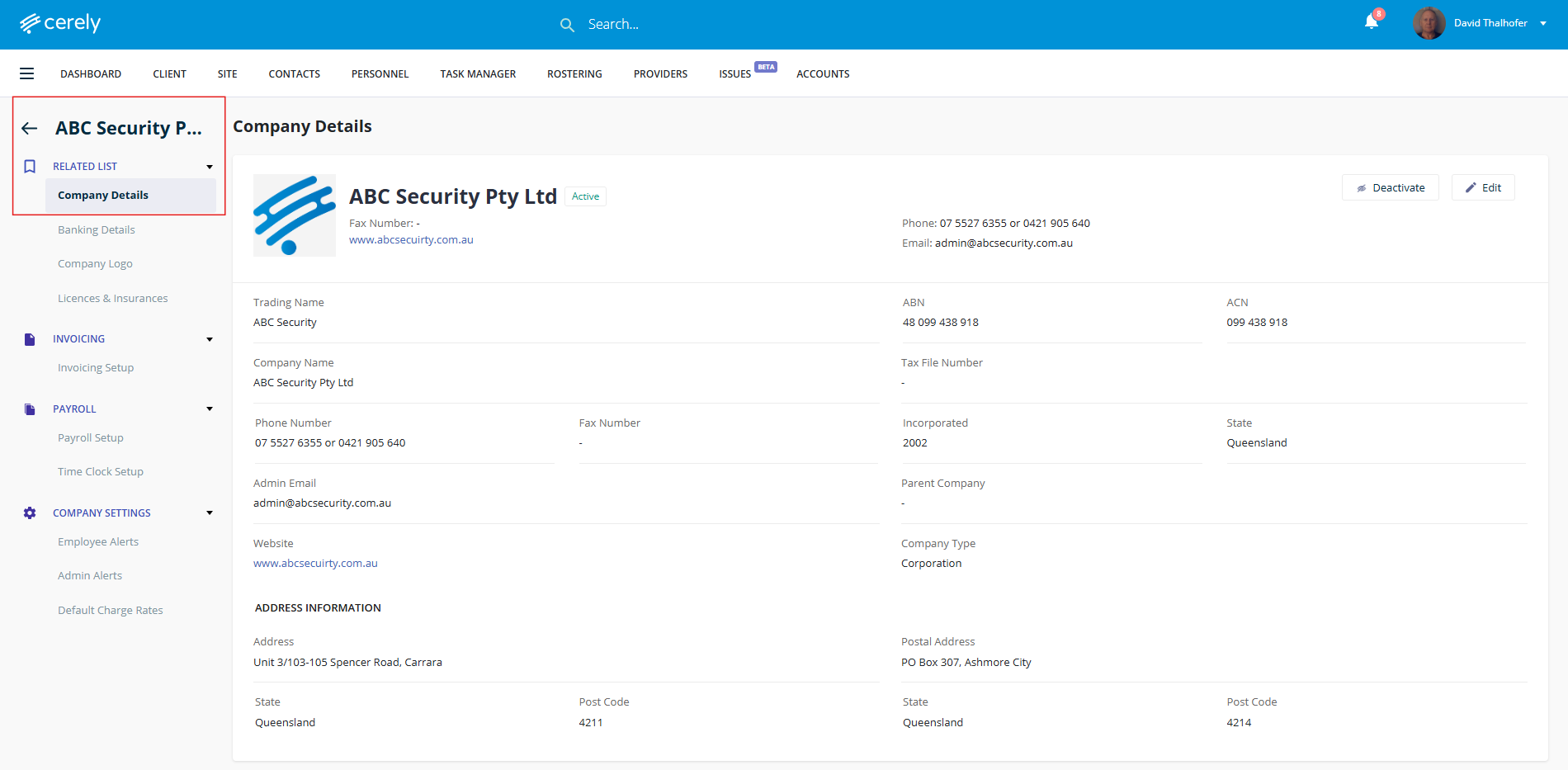
5. Click Edit to enable editing mode
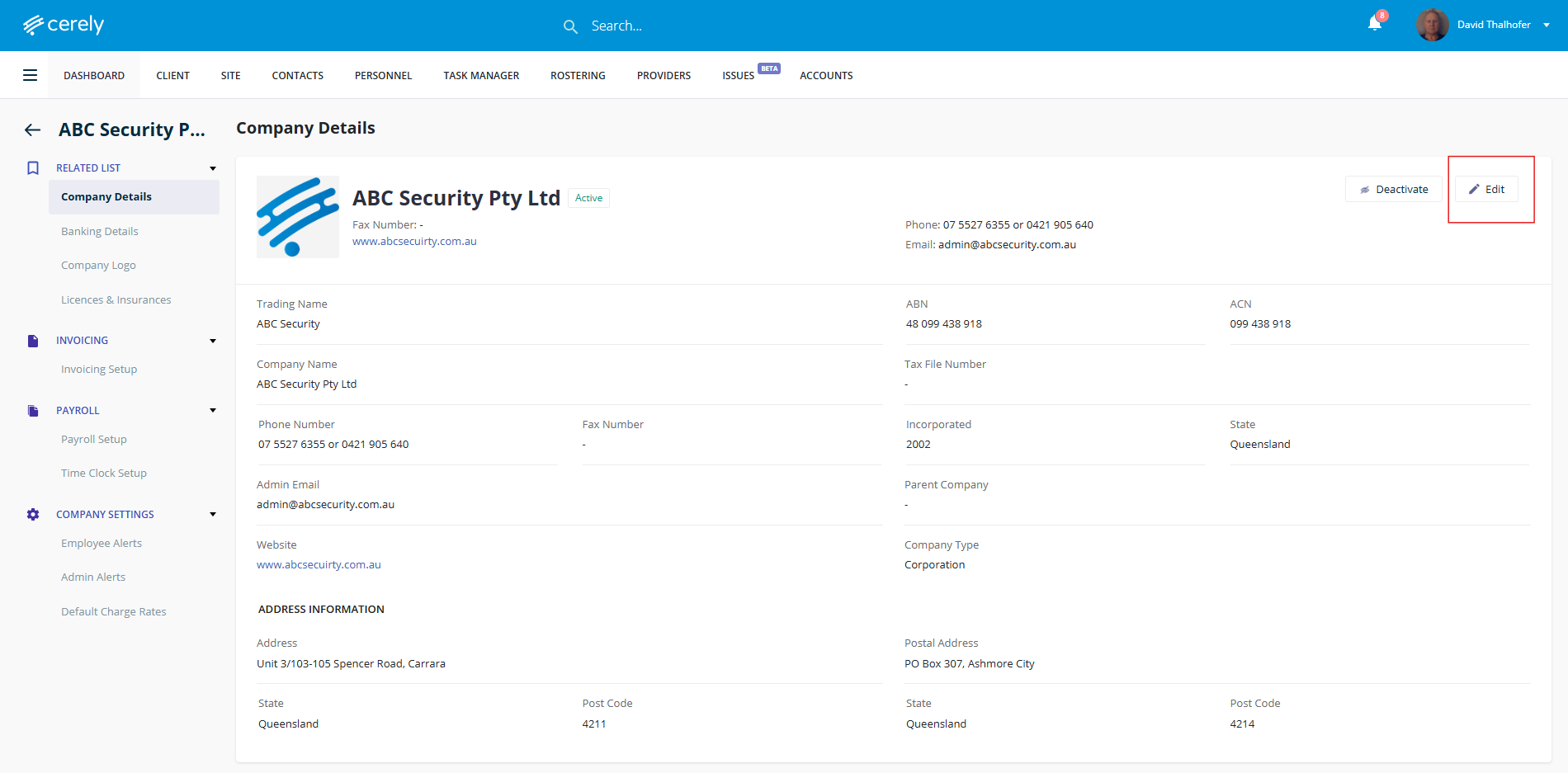
6. Make the necessary changes to your company information
Information you can update:
Trading Name
ABN/ACN
Phone Number
Admin Email
Website
Address
Postal Address
Parent Company
Company Type
Tax File Number (TFN)
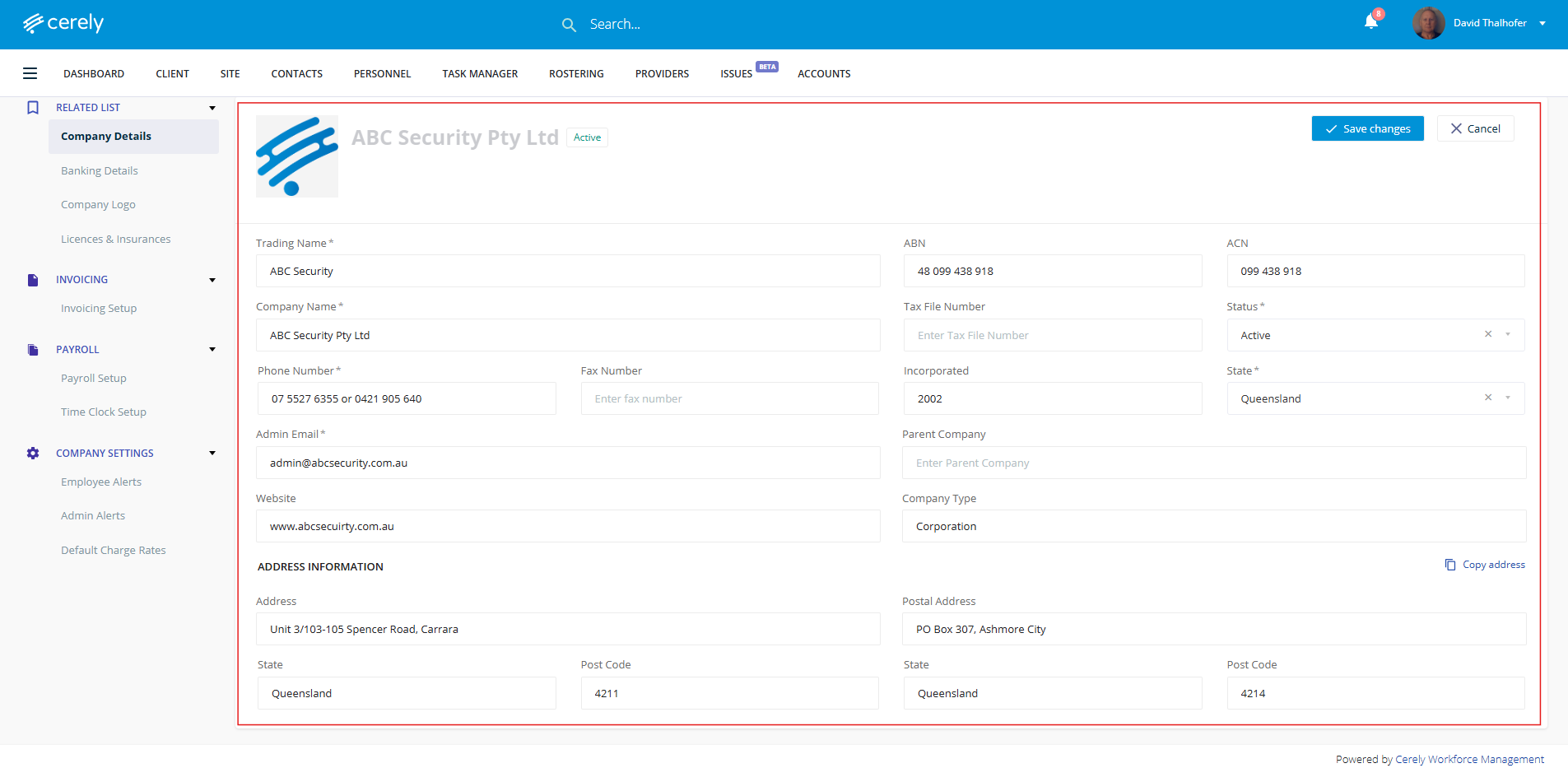
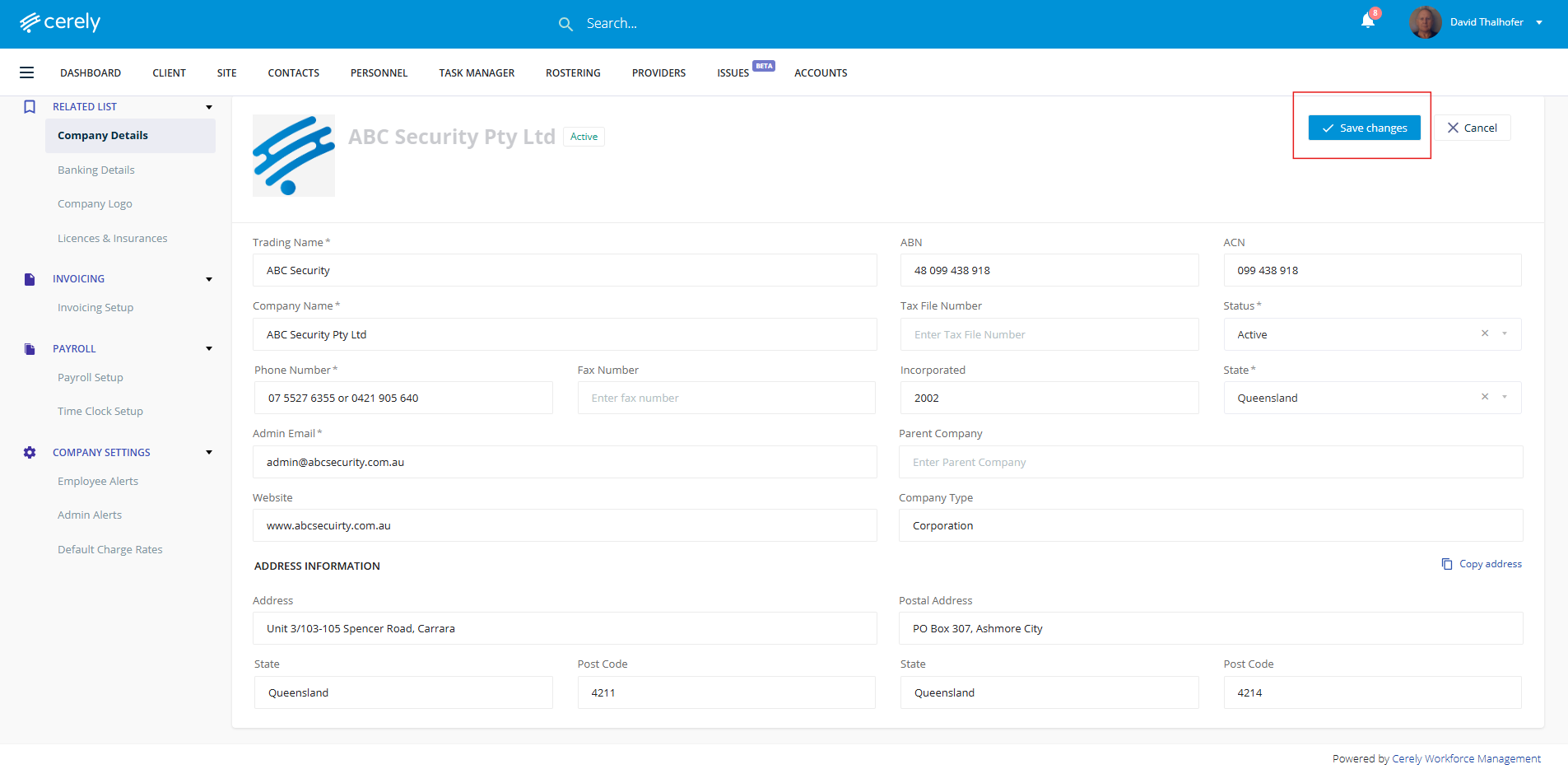
7. Click Save after making any changes to ensure your updates are applied
Was this article helpful?
That’s Great!
Thank you for your feedback
Sorry! We couldn't be helpful
Thank you for your feedback
Feedback sent
We appreciate your effort and will try to fix the article