Adding your company logo's to the platform for use across multiple documents and templates.
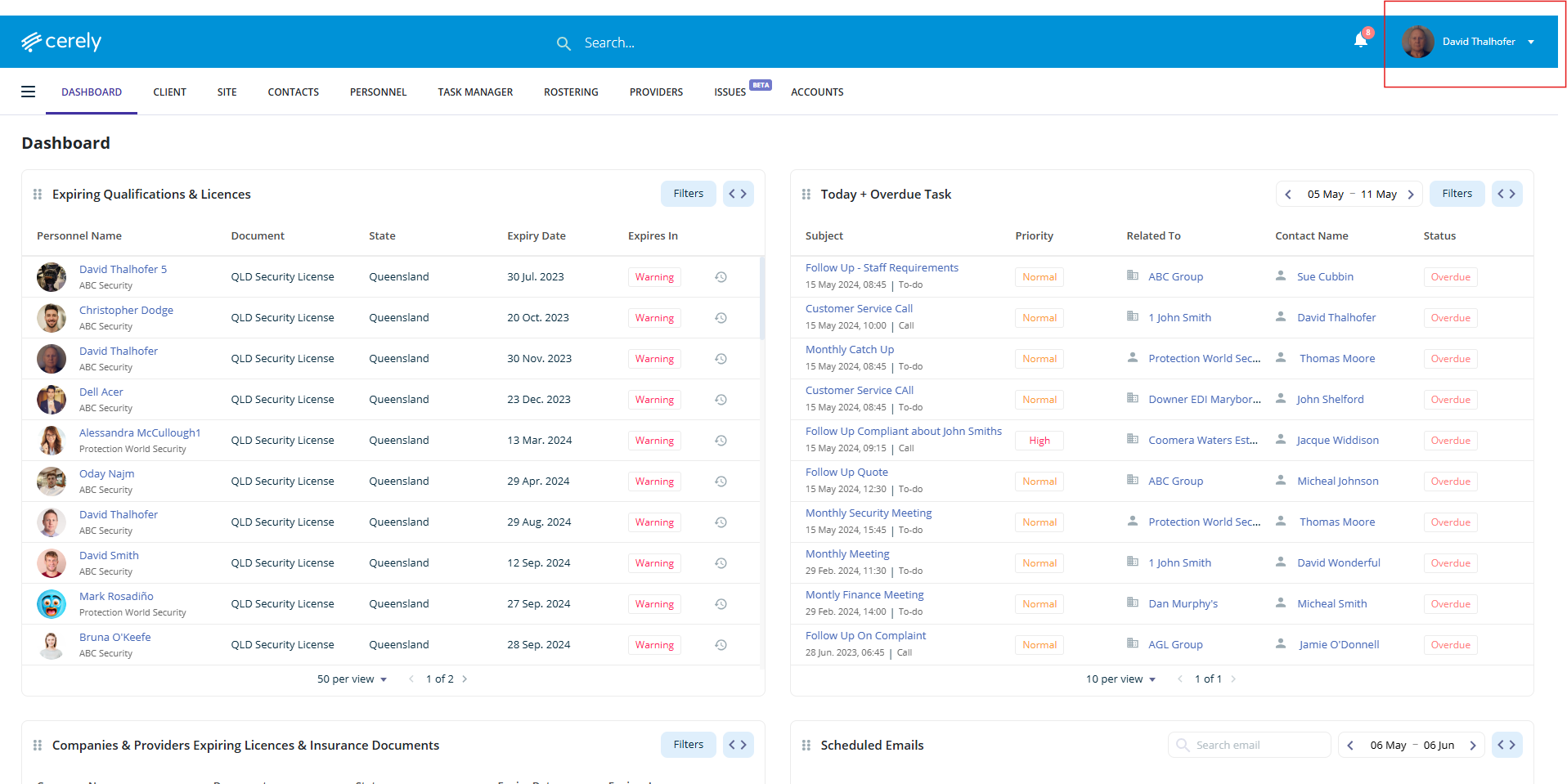
1. Click on your profile icon in the top right-hand corner of the screen
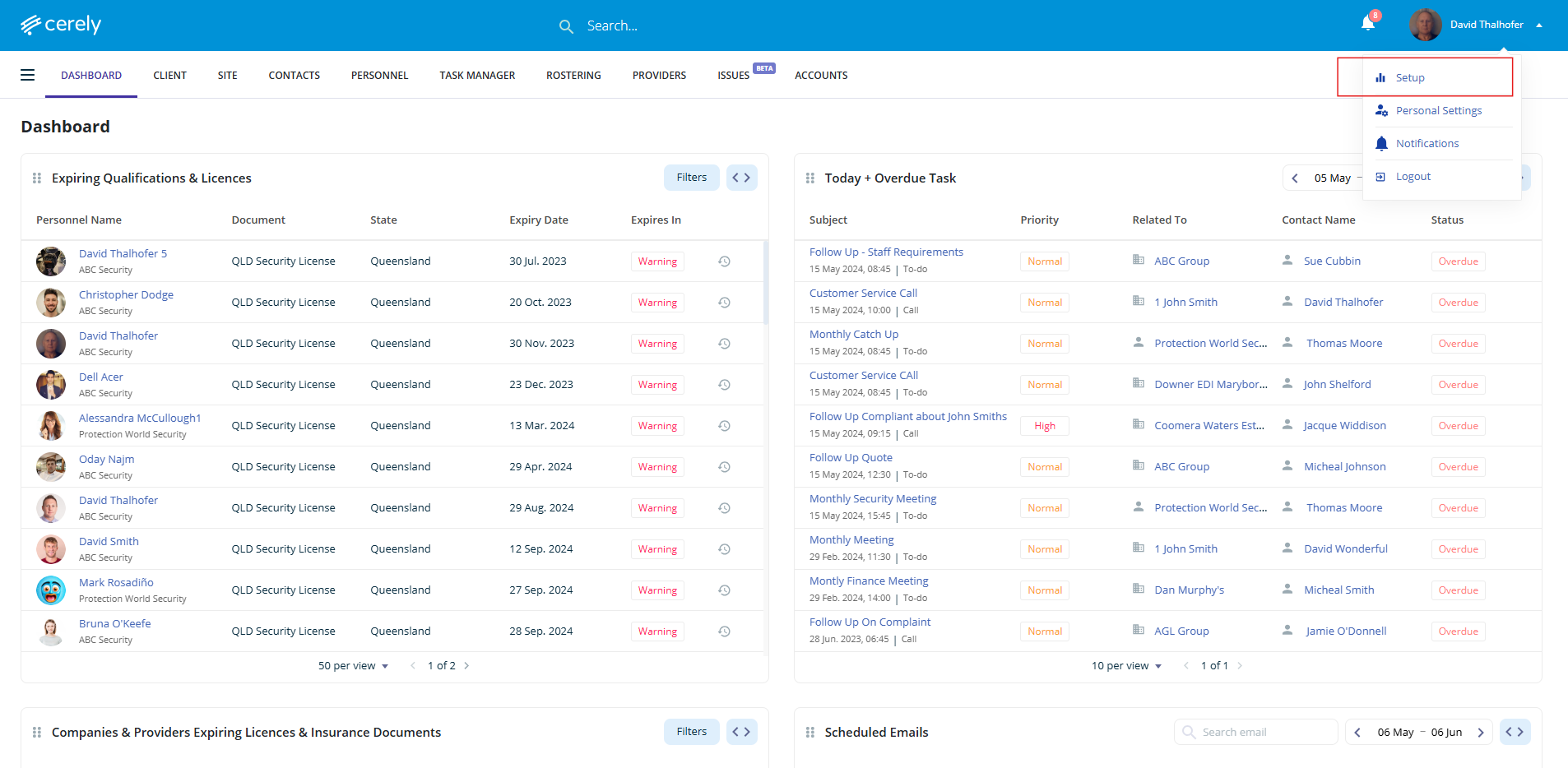
2. Select setup from the dropdown menu
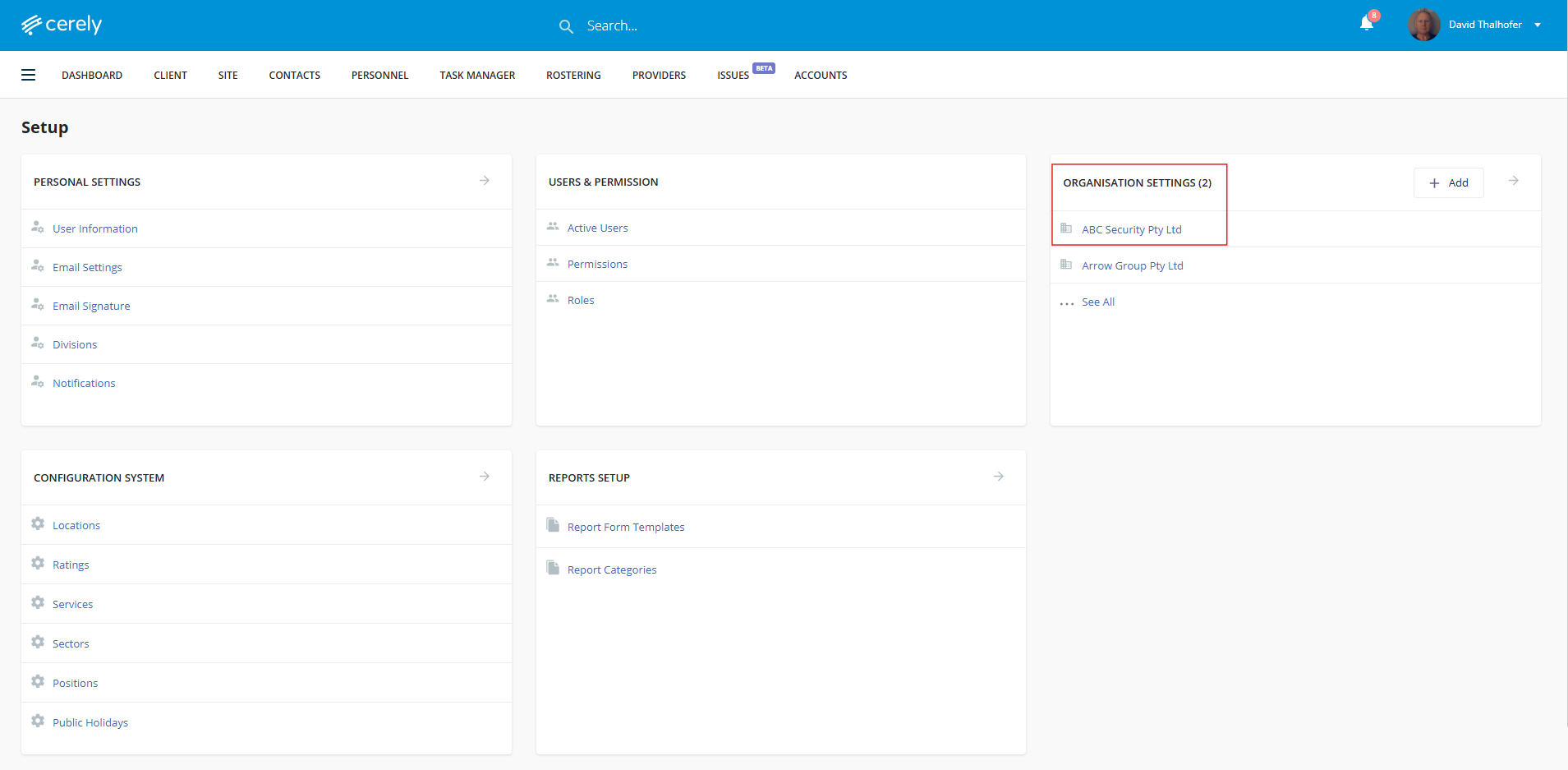
3. Under organisation settings, select your organisation name
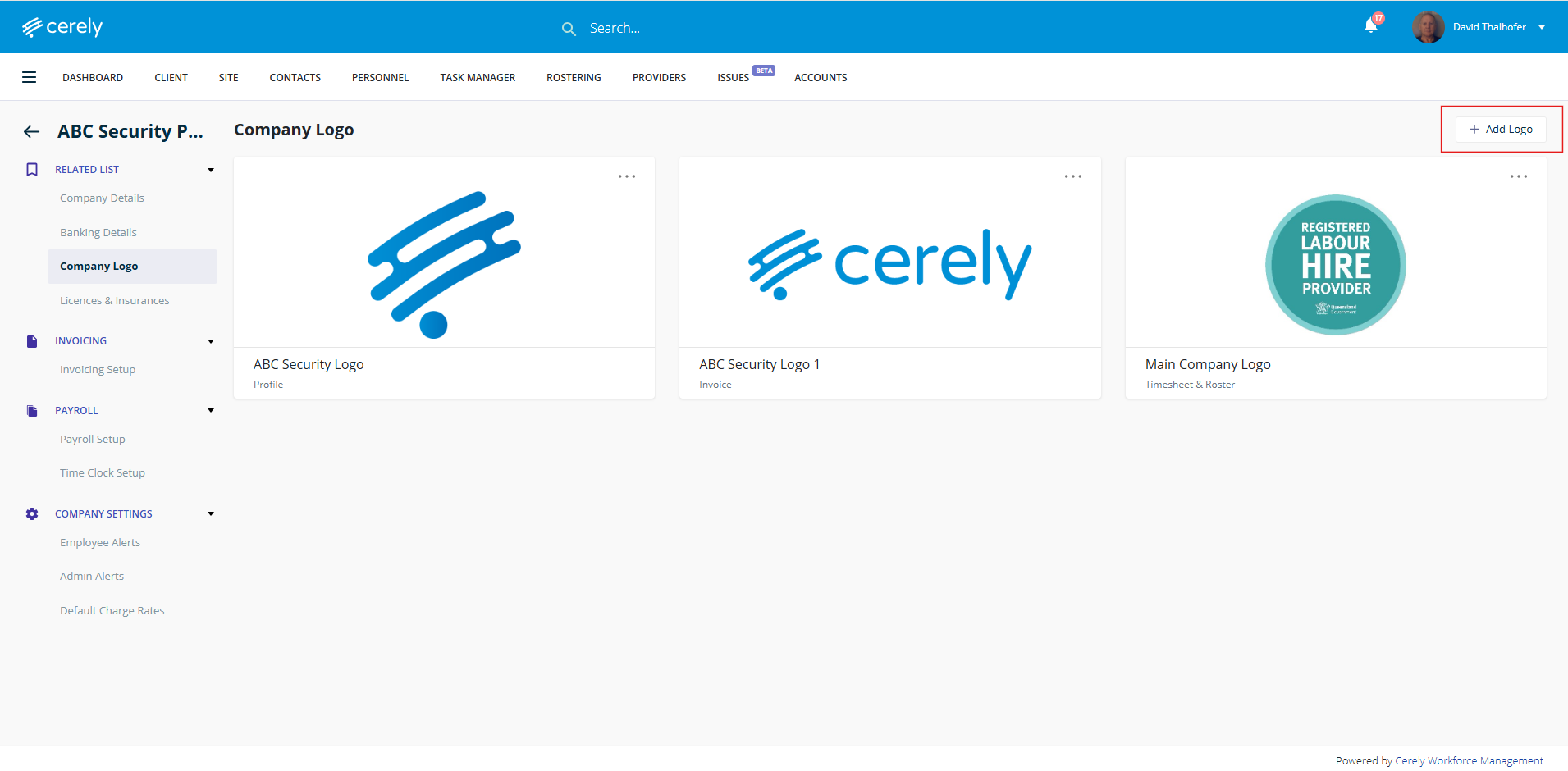
4. In the left-hand menu, click on company logo
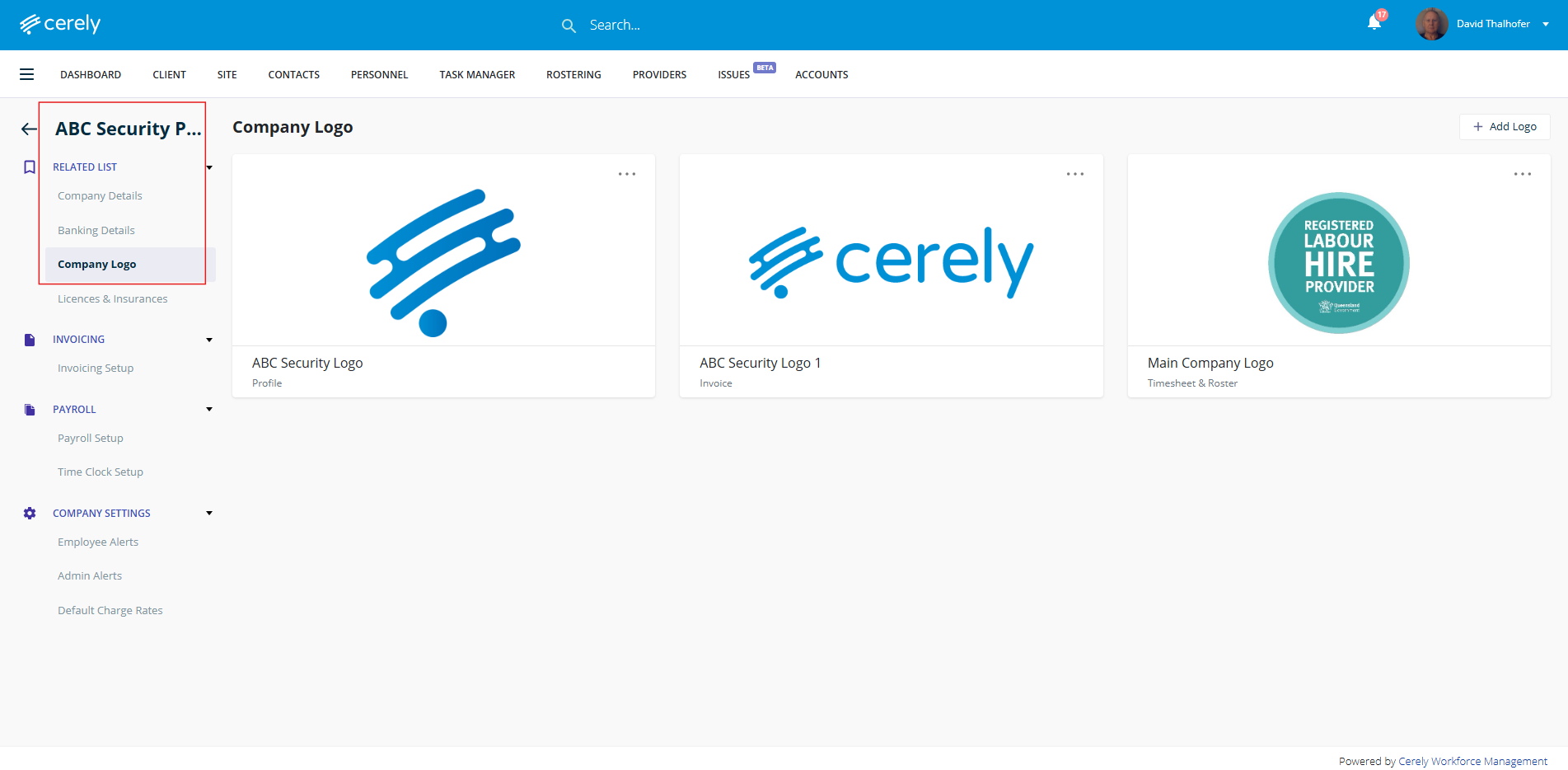
5. Click the add logo button
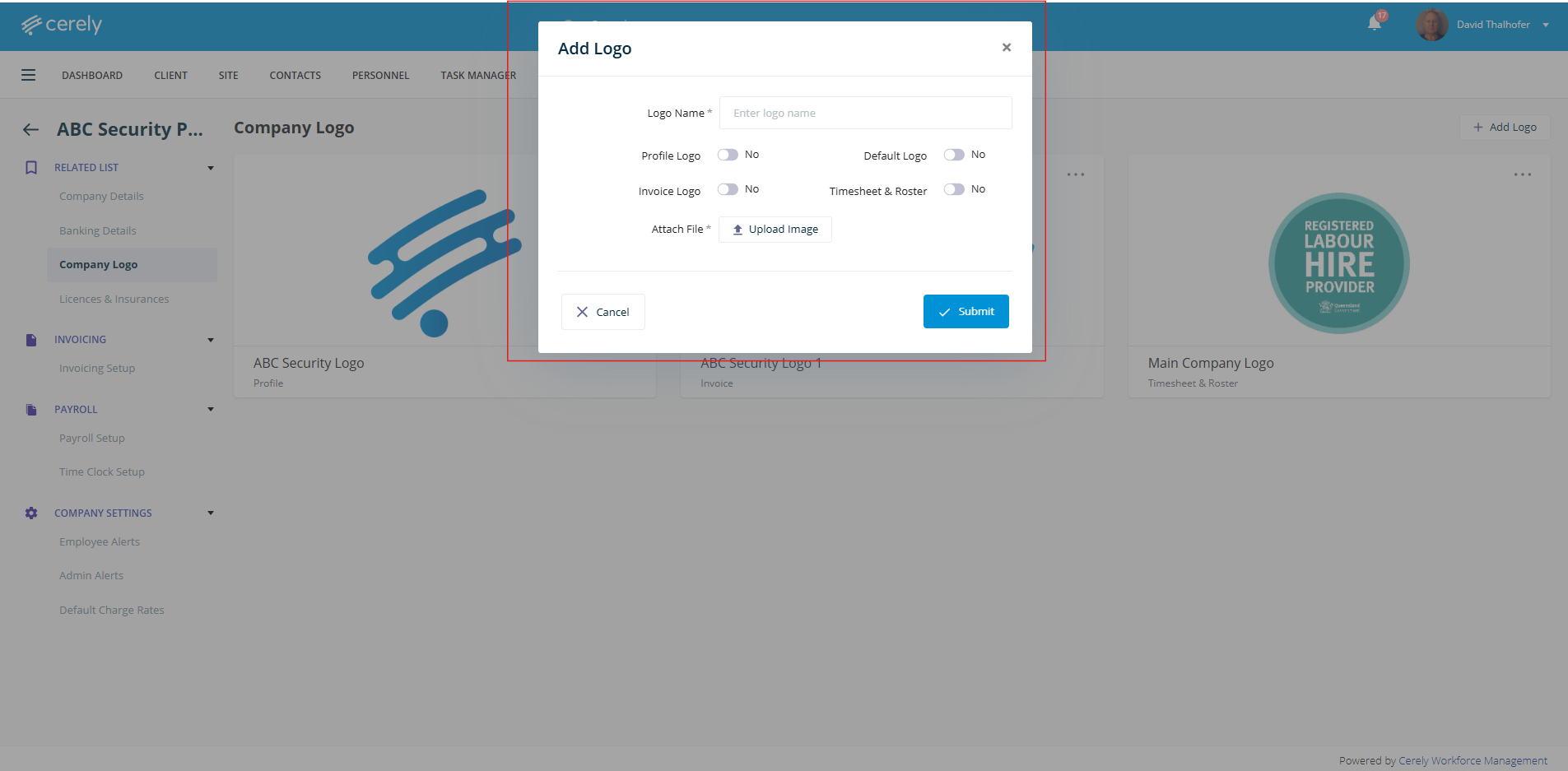
6. Add the necessary details, select where you'd like your logo to appear within the platform, and upload your logo file
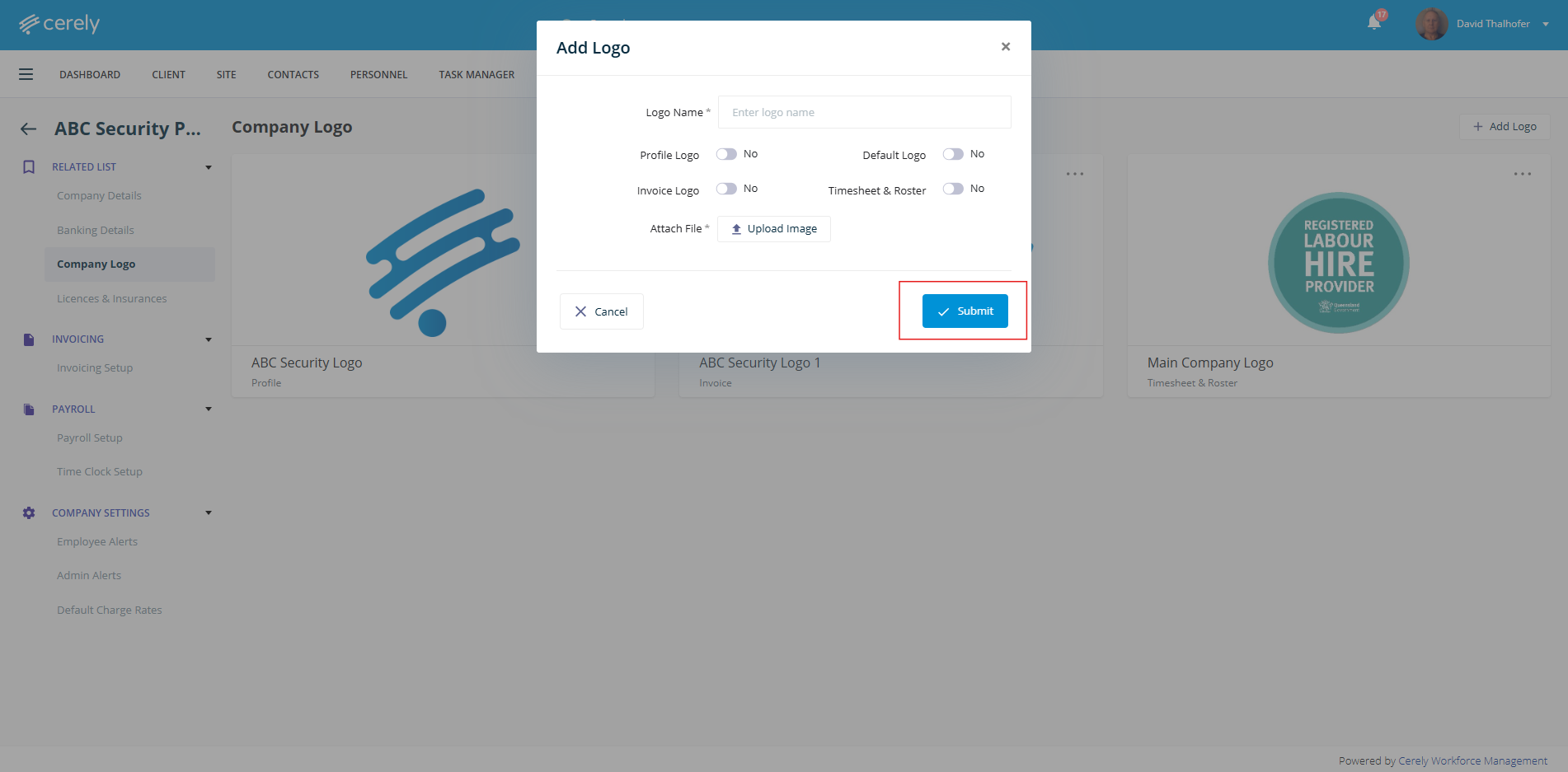
7. Click submit to save the logo settings
Was this article helpful?
That’s Great!
Thank you for your feedback
Sorry! We couldn't be helpful
Thank you for your feedback
Feedback sent
We appreciate your effort and will try to fix the article