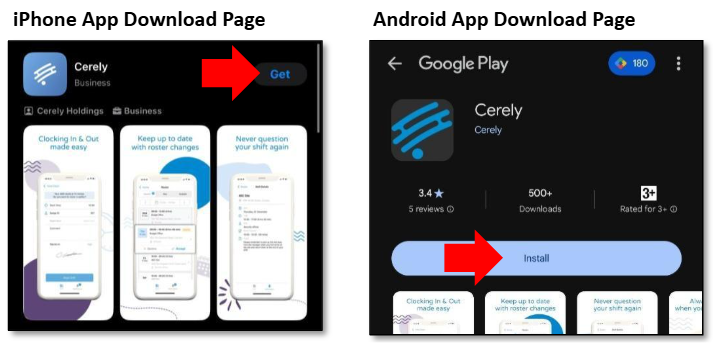
To download and install the Cerely mobile app, follow these steps:
1. Open the "Cerely has invited you to join our team" email
2. At the bottom of the email, click on either the App Store or Google Play button, depending on your device.

You will be automatically directed to the relevant app store.
Note: The Cerely app is free to download and use.
Alternatively, you can download the app directly by clicking the appropriate link below:
When you click on the app icon, follow the prompts to download and install the app on your device
Was this article helpful?
That’s Great!
Thank you for your feedback
Sorry! We couldn't be helpful
Thank you for your feedback
Feedback sent
We appreciate your effort and will try to fix the article