To ensure your employee payrates are accurate and up-to-date, follow these steps to edit any payrates for Awards or Enterprise Bargaining Agreements (EBA) within the system:
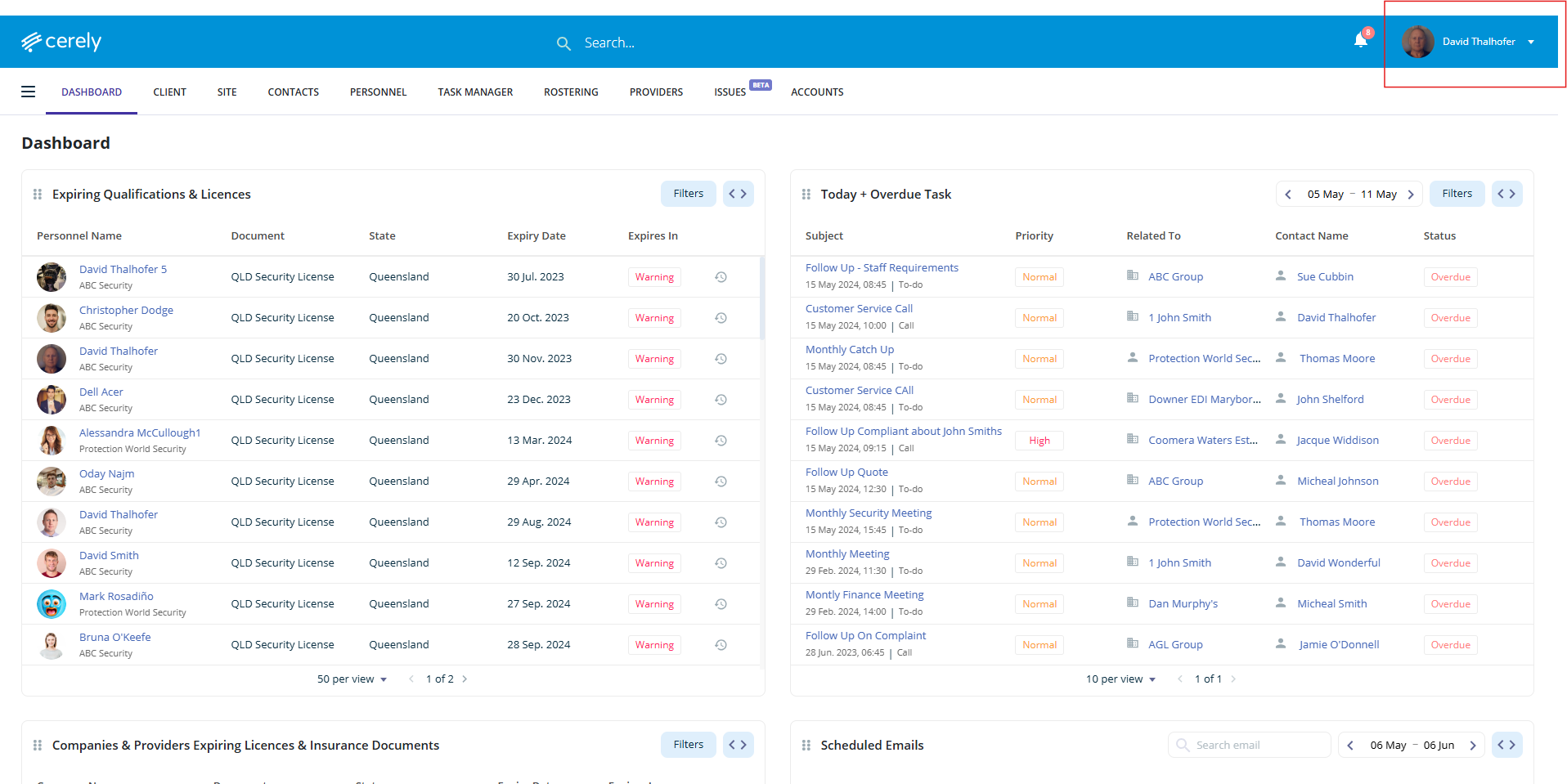
1. Click on your profile icon in the top right-hand corner of the screen
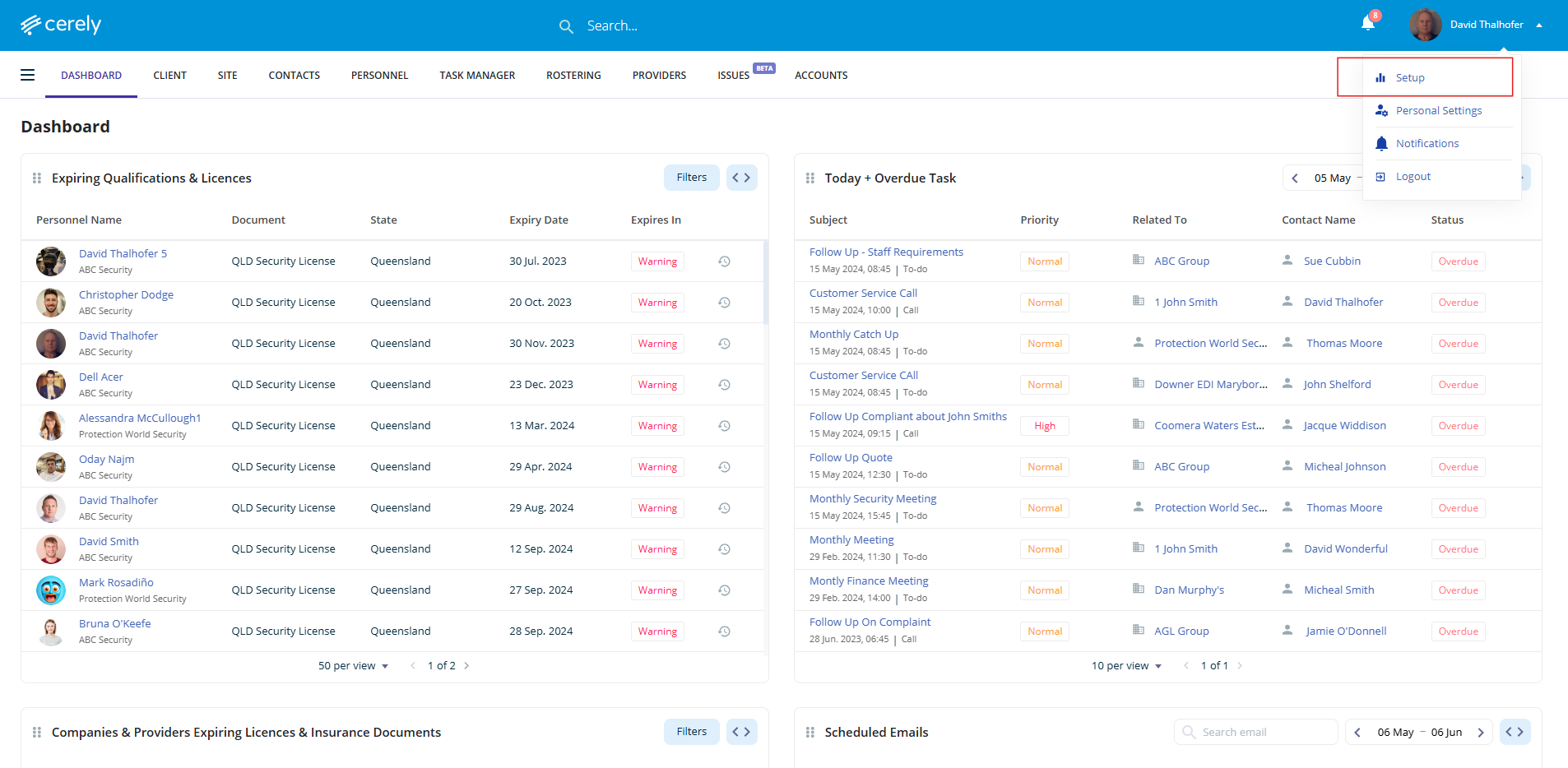
2. Select setup from the dropdown menu
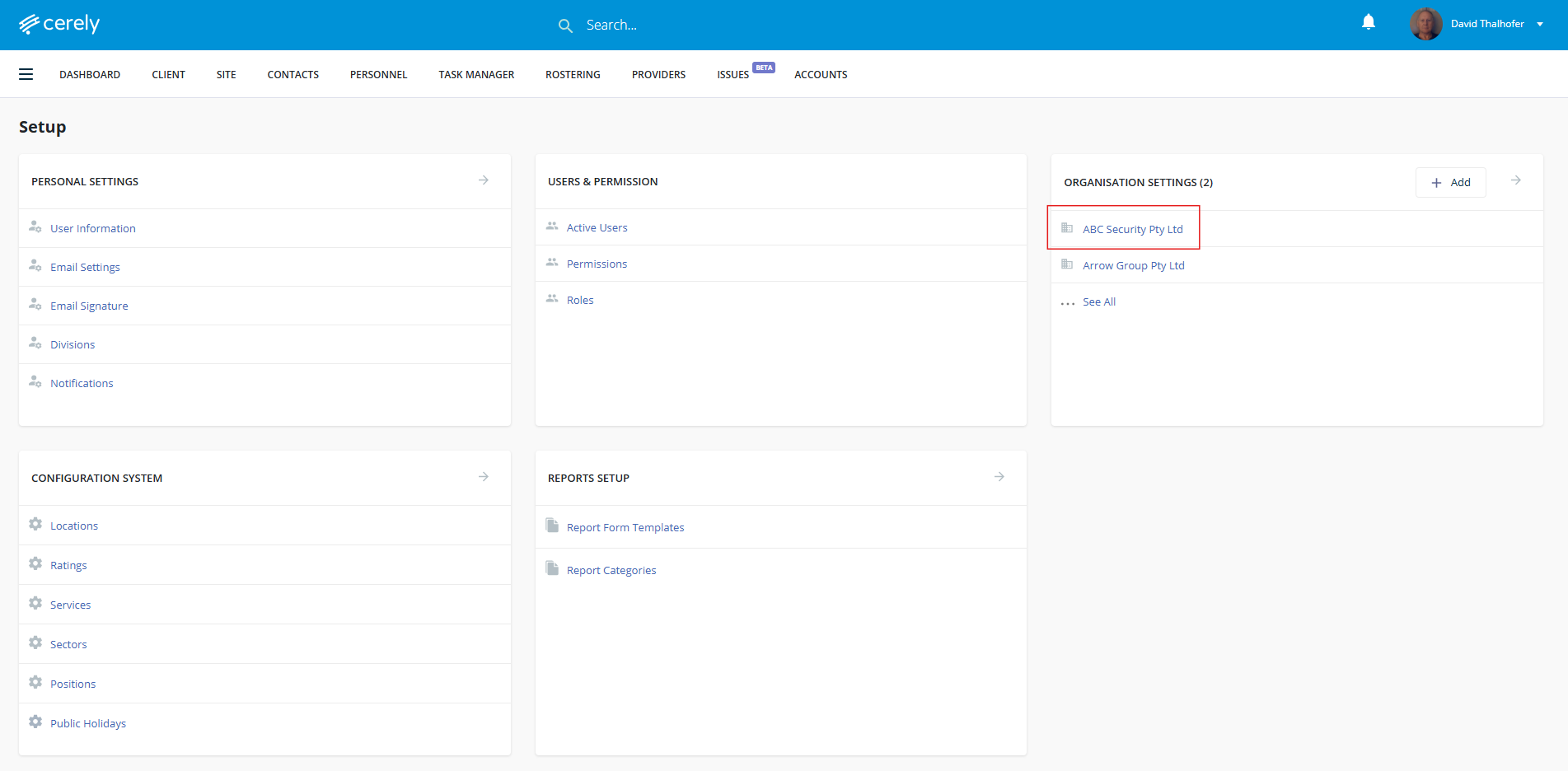
3. Under organisation settings, select your organisation name
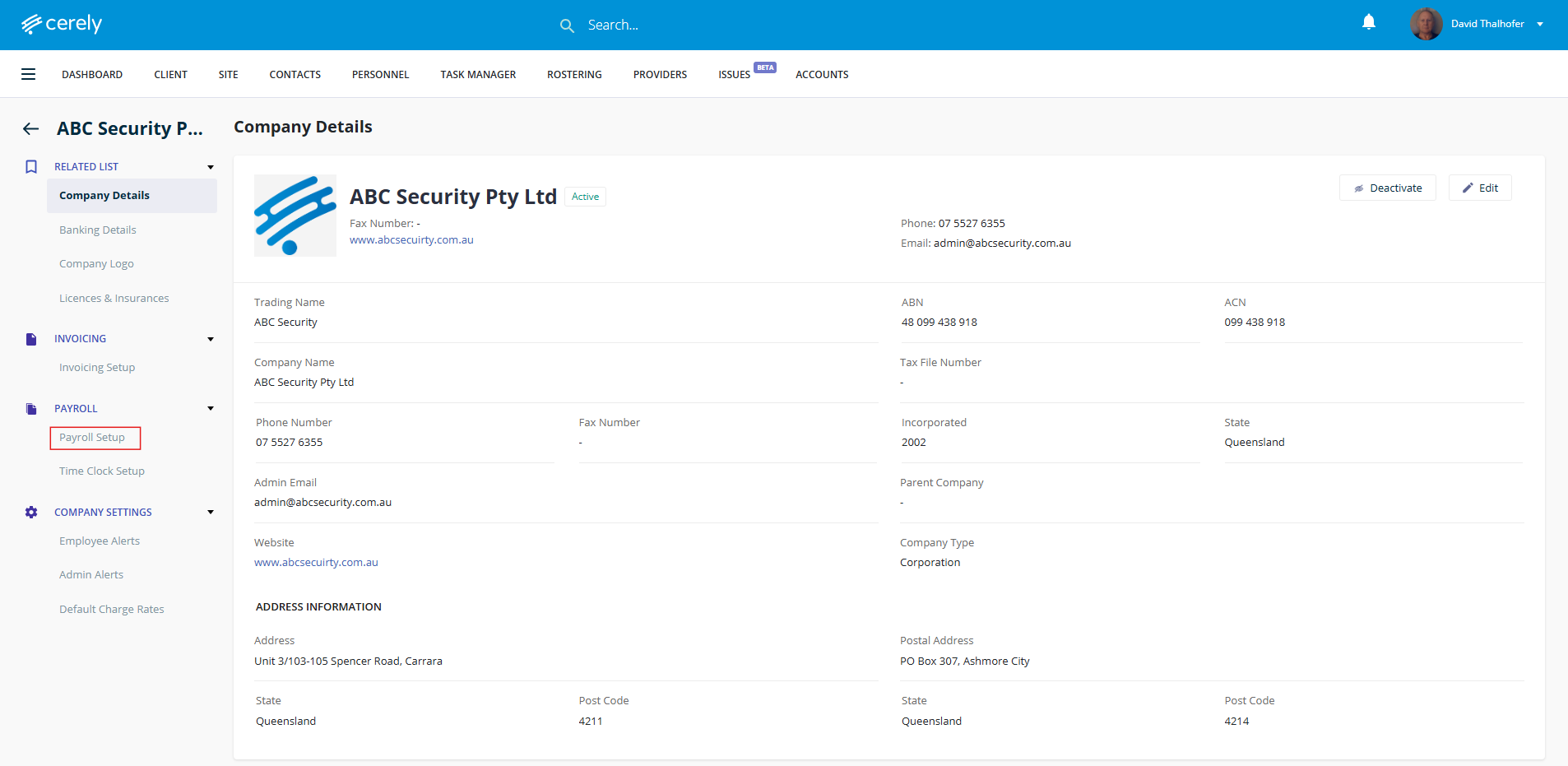
4. In the left-hand menu, click on payroll setup
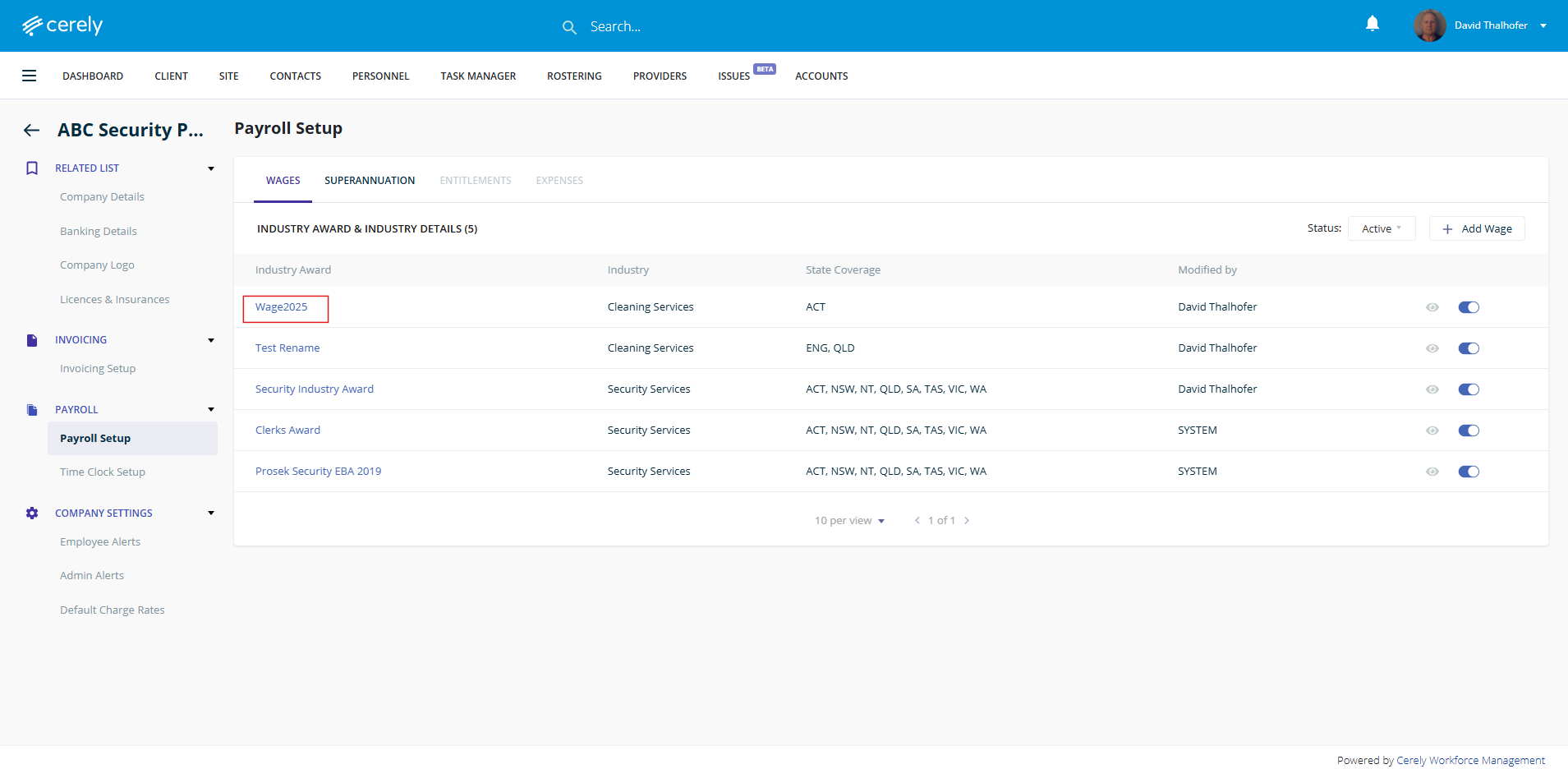
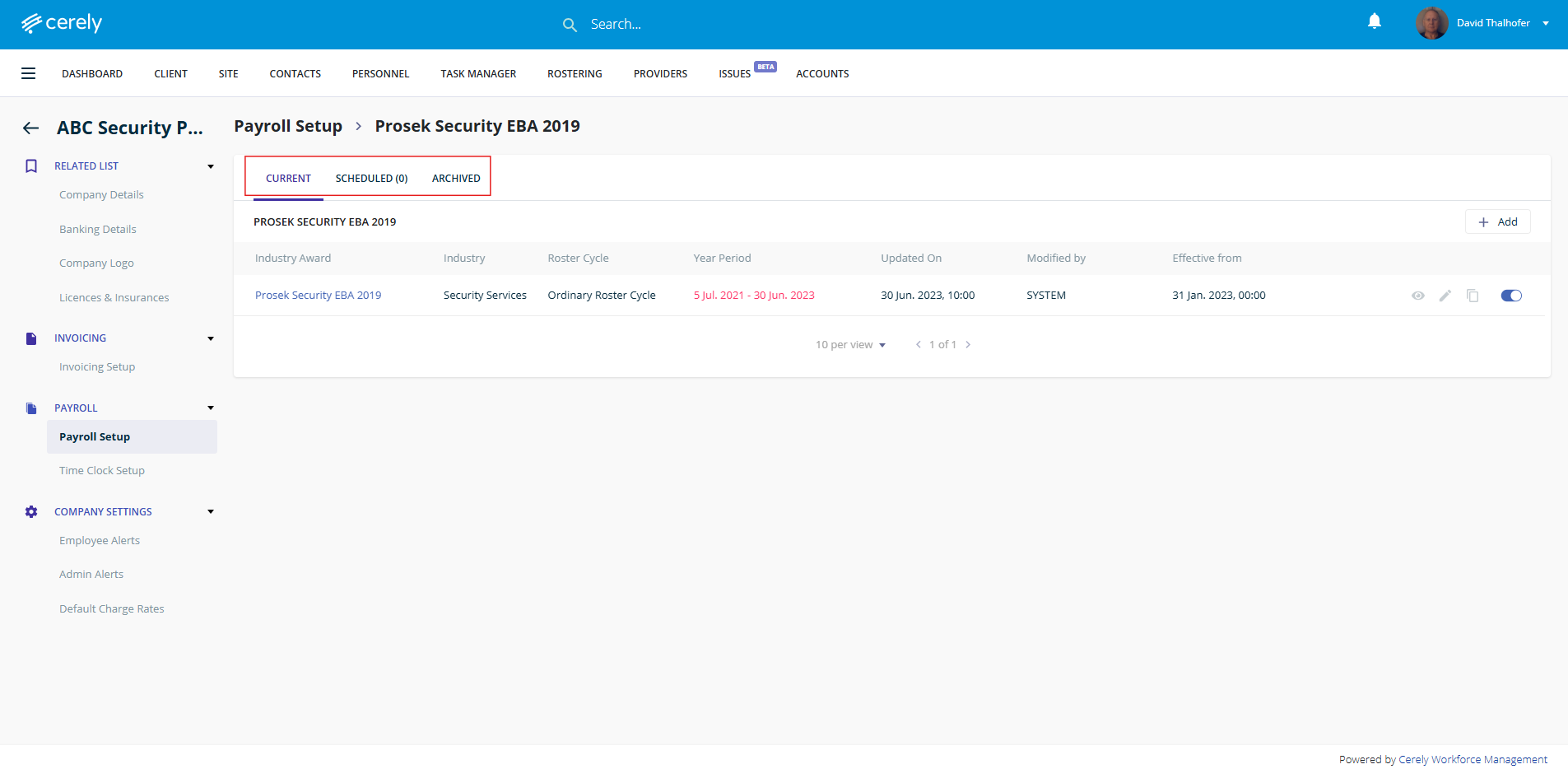
5. Click on the industry award you would like to open and edit
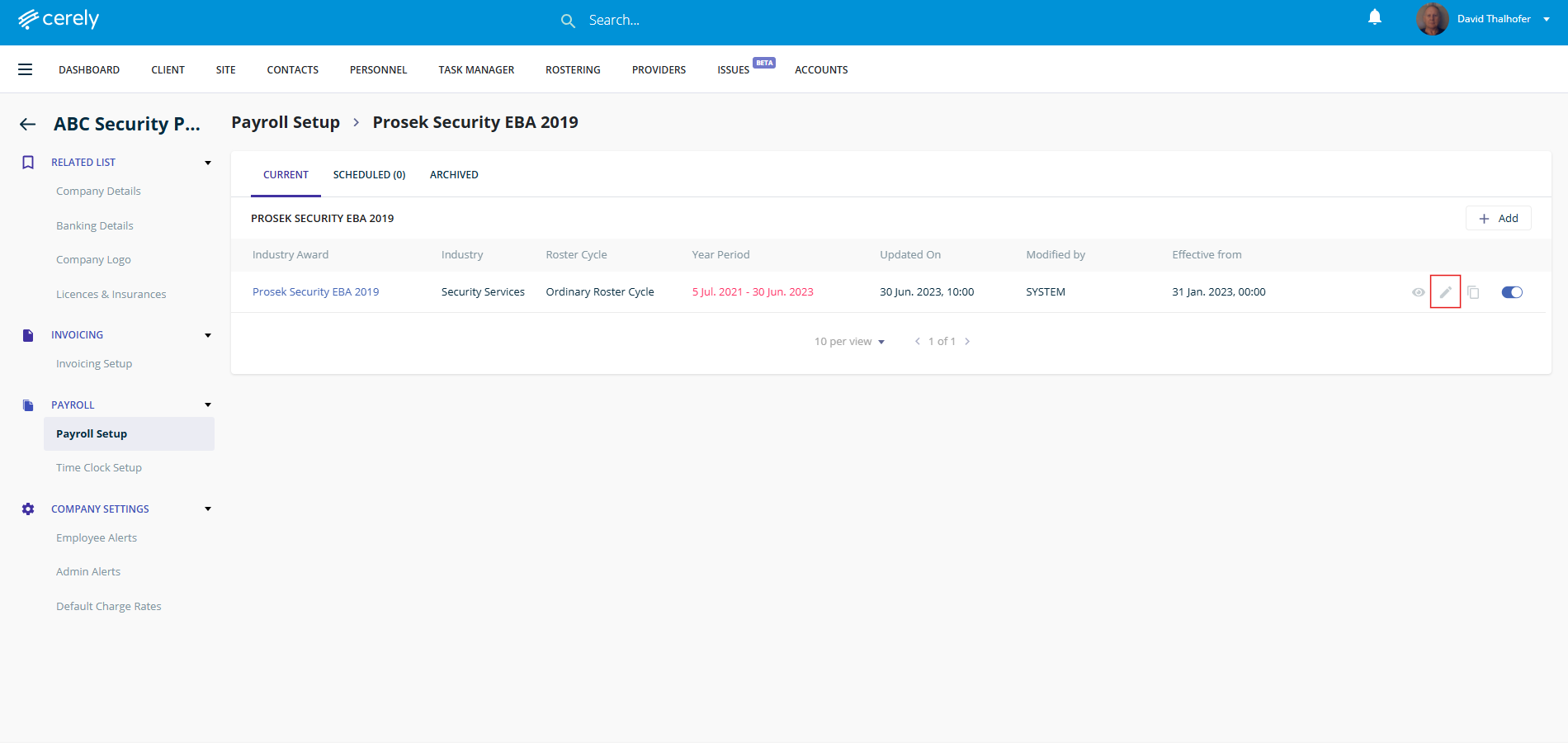
6. Click on the edit button
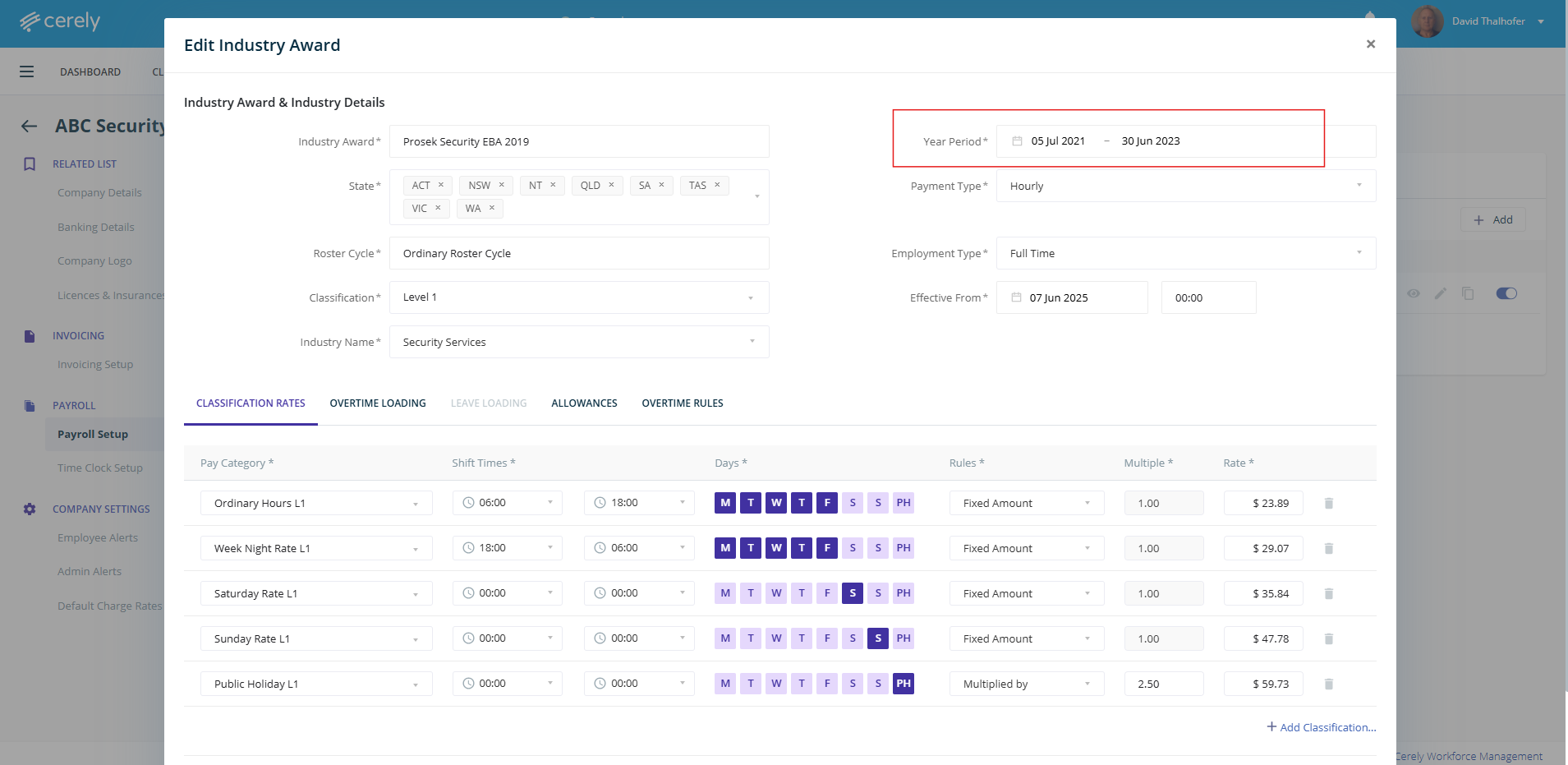
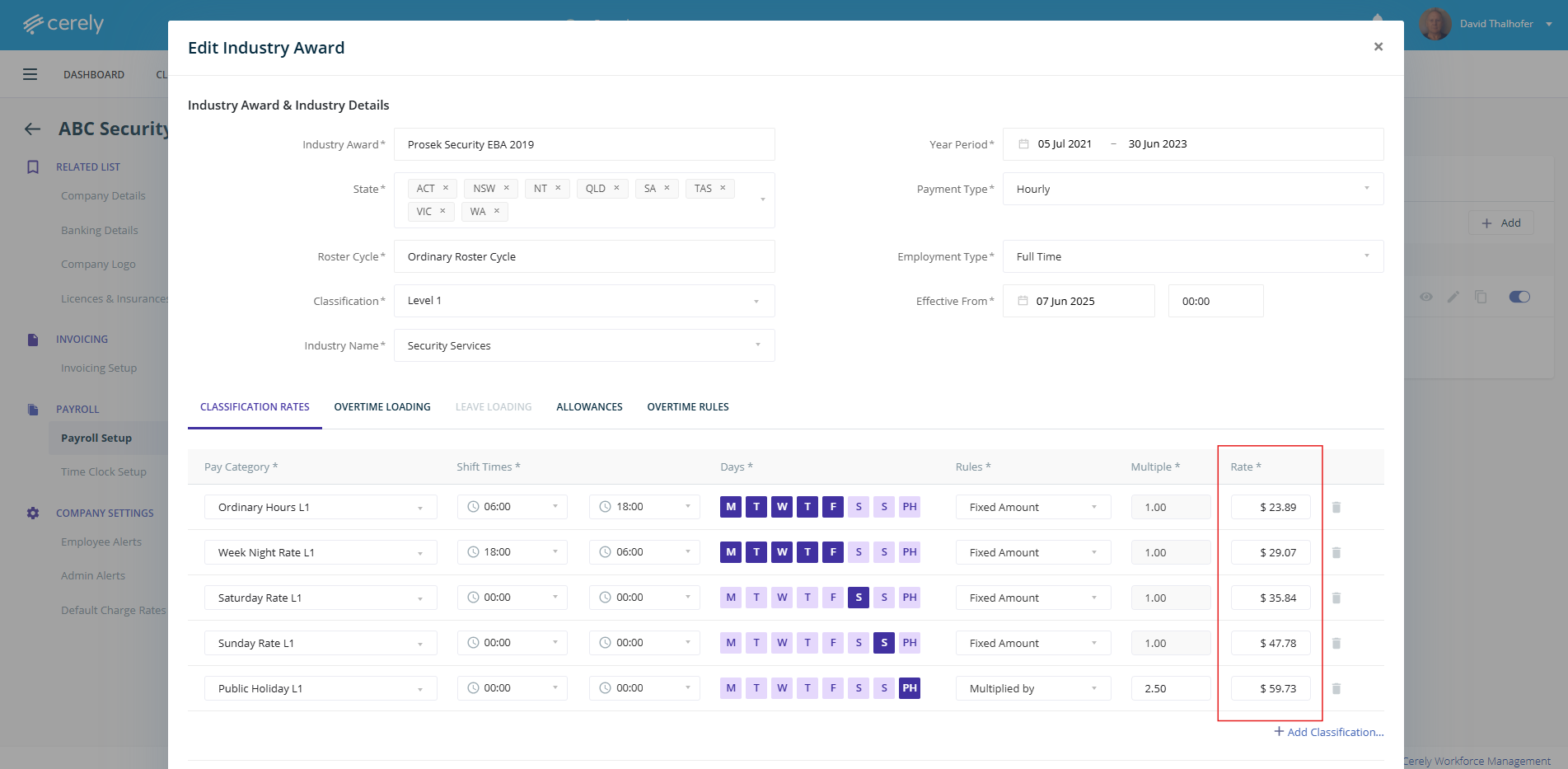
7. Update the year period with the effective to and from dates
8. Update the effective from date and time
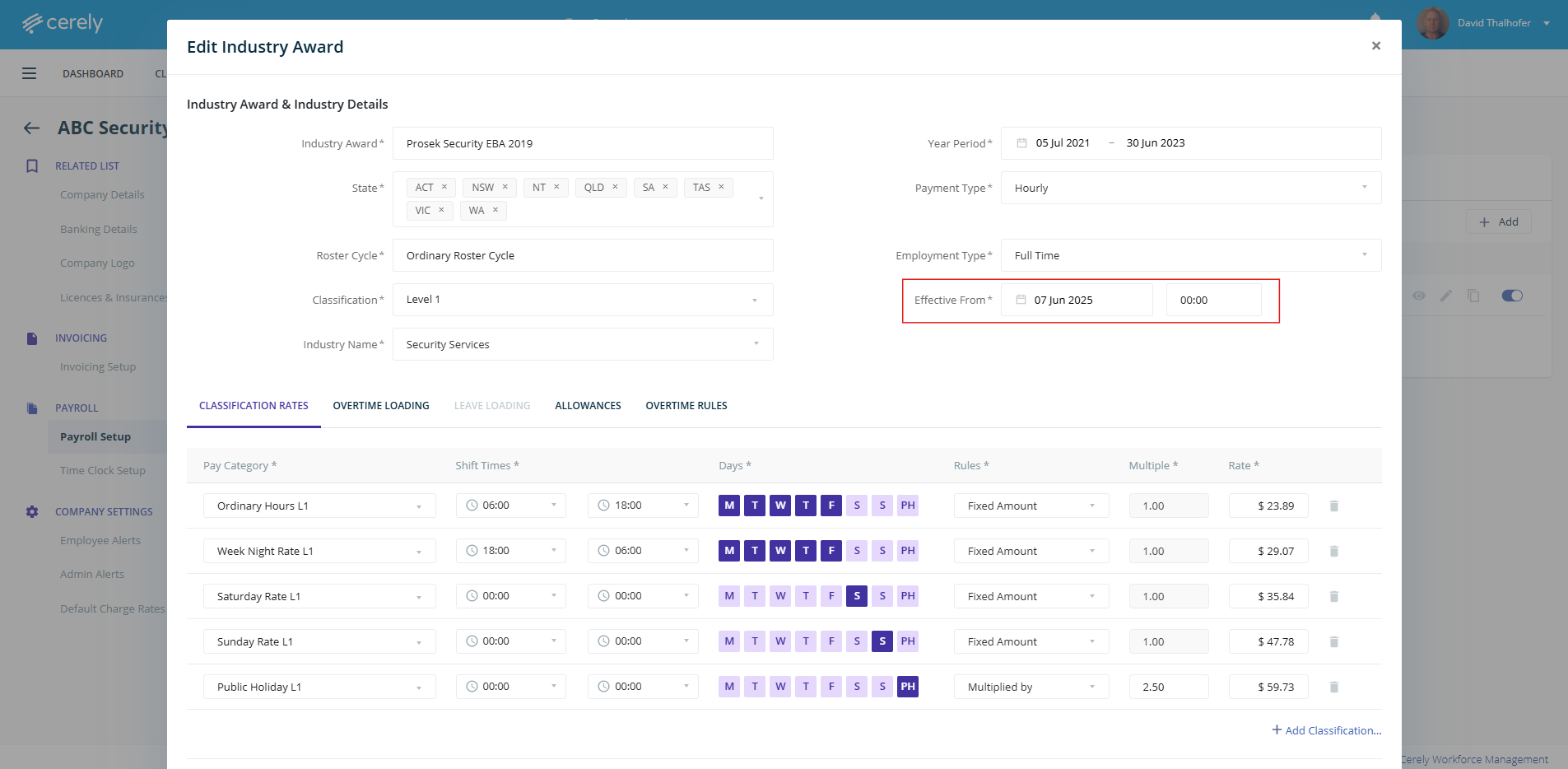
(Please note the effective date can be set for the past or the future, if its set for the future it will display in the scheduled section or if its a past date it will automatically update. A copy of the previous information will be displayed in archived)
If updating past dates this will only update and be reflected across any timesheets that are pending or incomplete.
9. Update the payrates you require to be updated
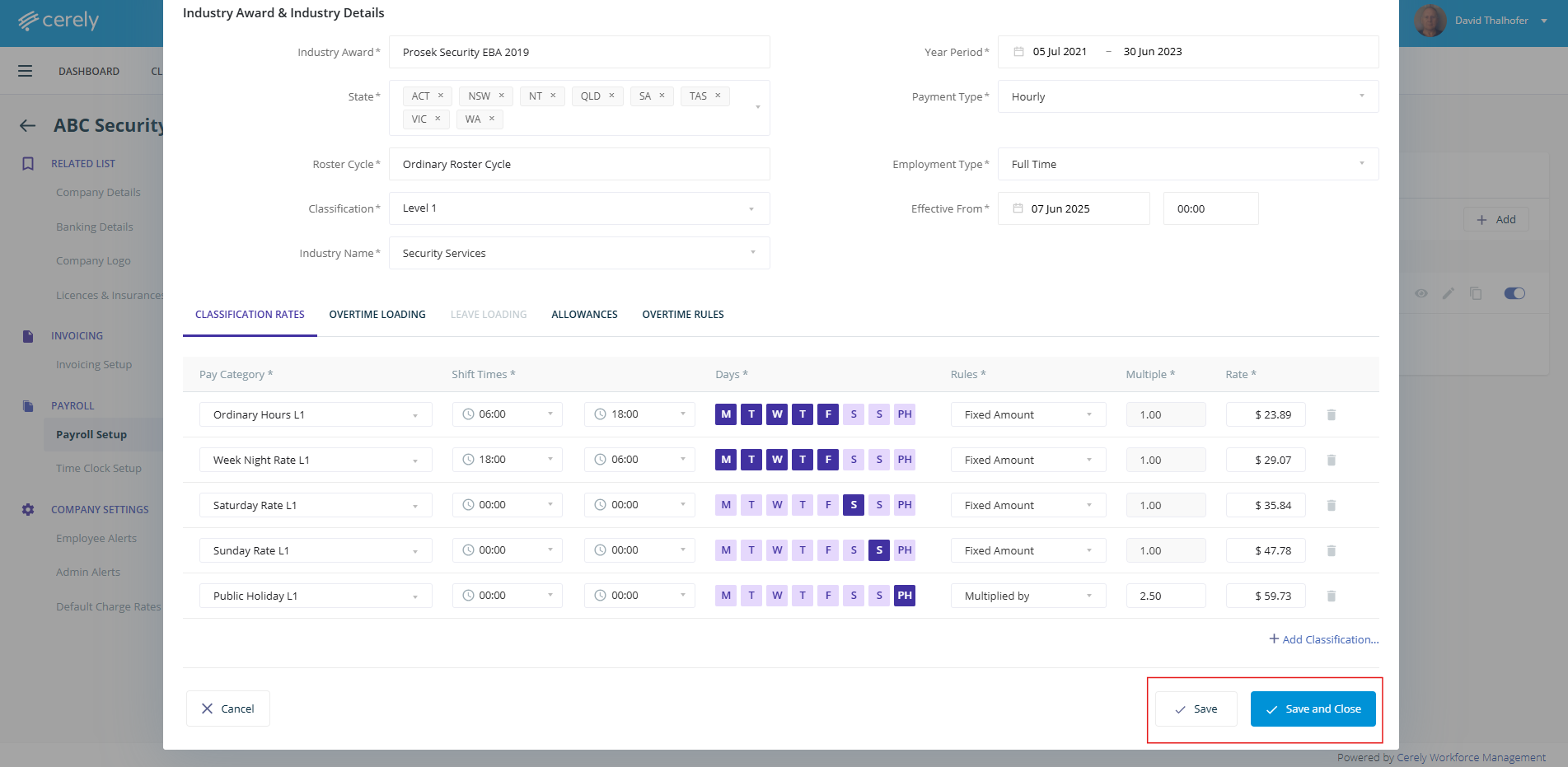
10. Click the save or save and close button
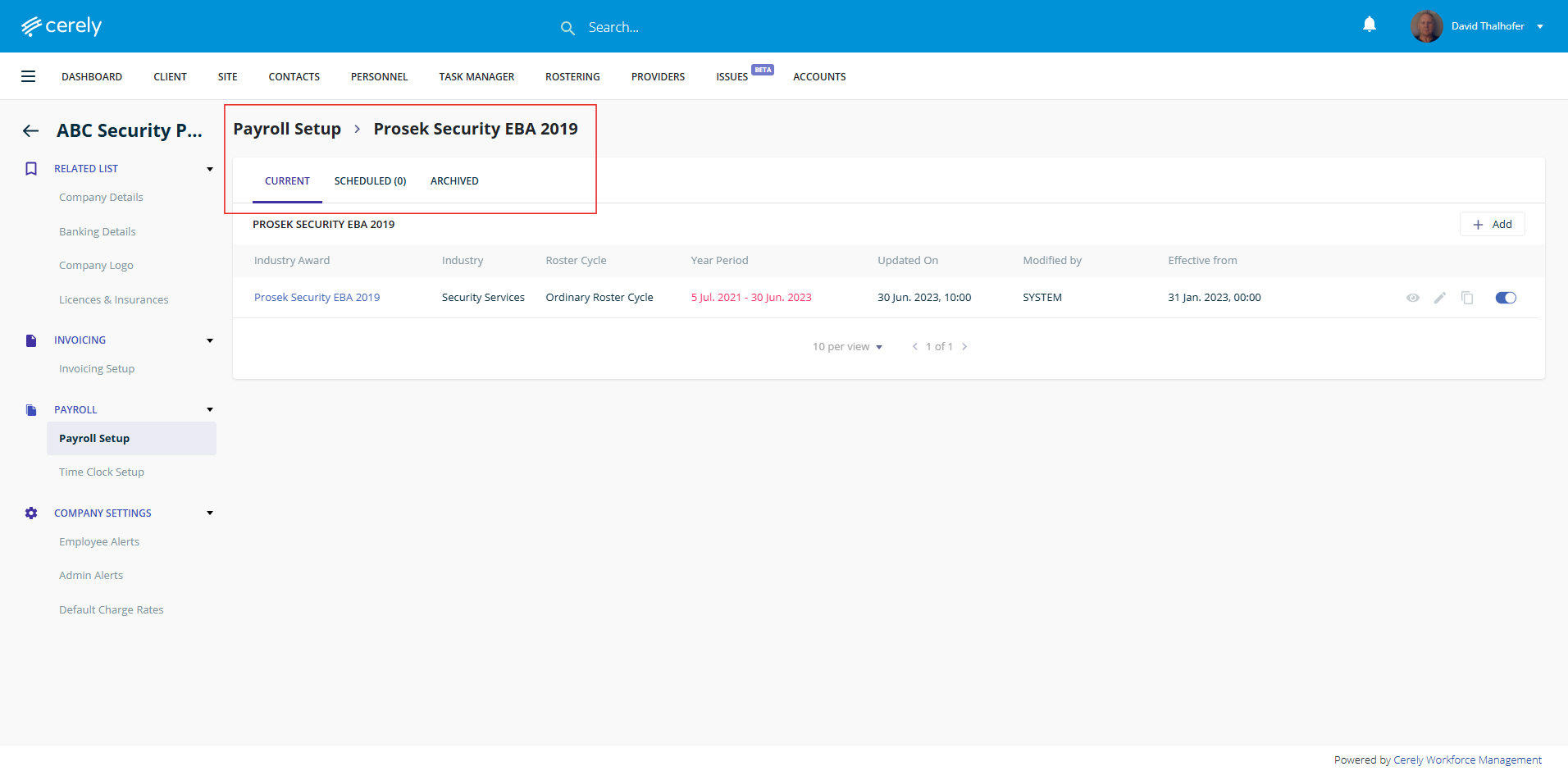
11. The updated industry award or EBA will now display in the Current or Scheduled depending on the past or future effective date selected. A copy of the record will be in Archive for view if the Award Rates are now current and an archive copy will display when the scheduled Award Rates are Current.
Was this article helpful?
That’s Great!
Thank you for your feedback
Sorry! We couldn't be helpful
Thank you for your feedback
Feedback sent
We appreciate your effort and will try to fix the article