
Here is our video link for Import Invoices to Xero: How to Import Invoices to Xero
Or follow the steps below
1. Log in to your Xero accounting software
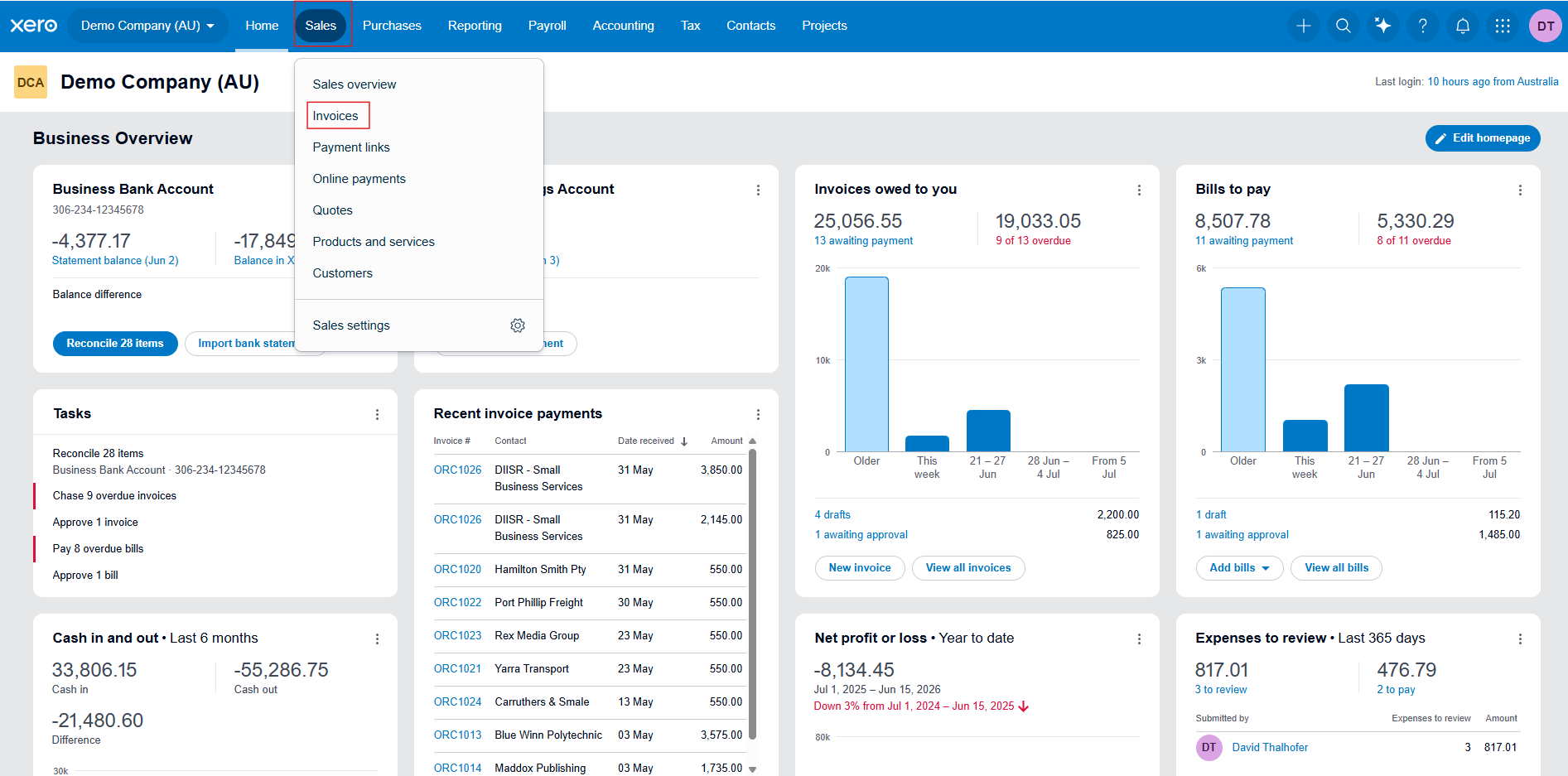
2. In the main menu select Sales and then choose Invoices
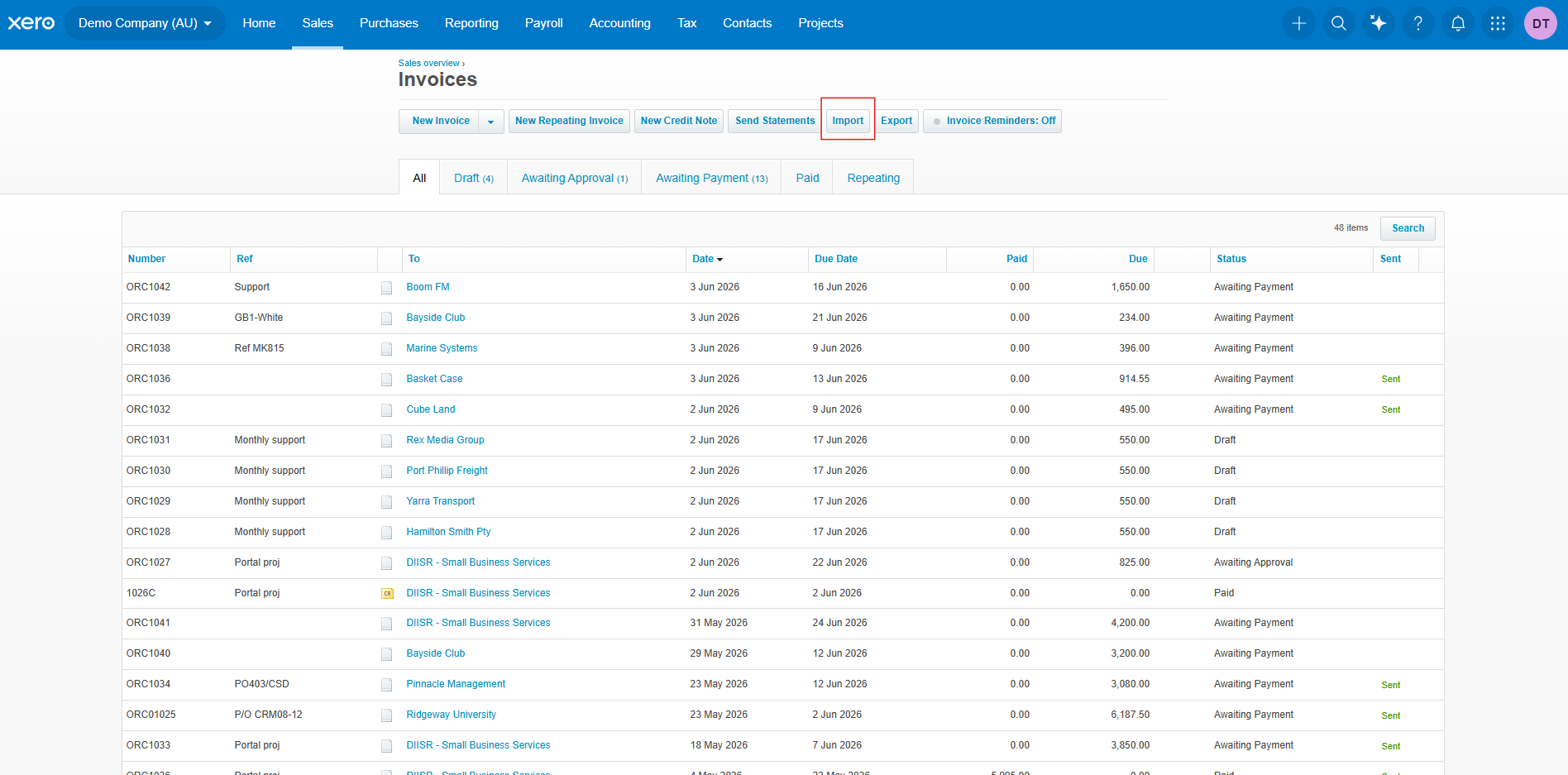
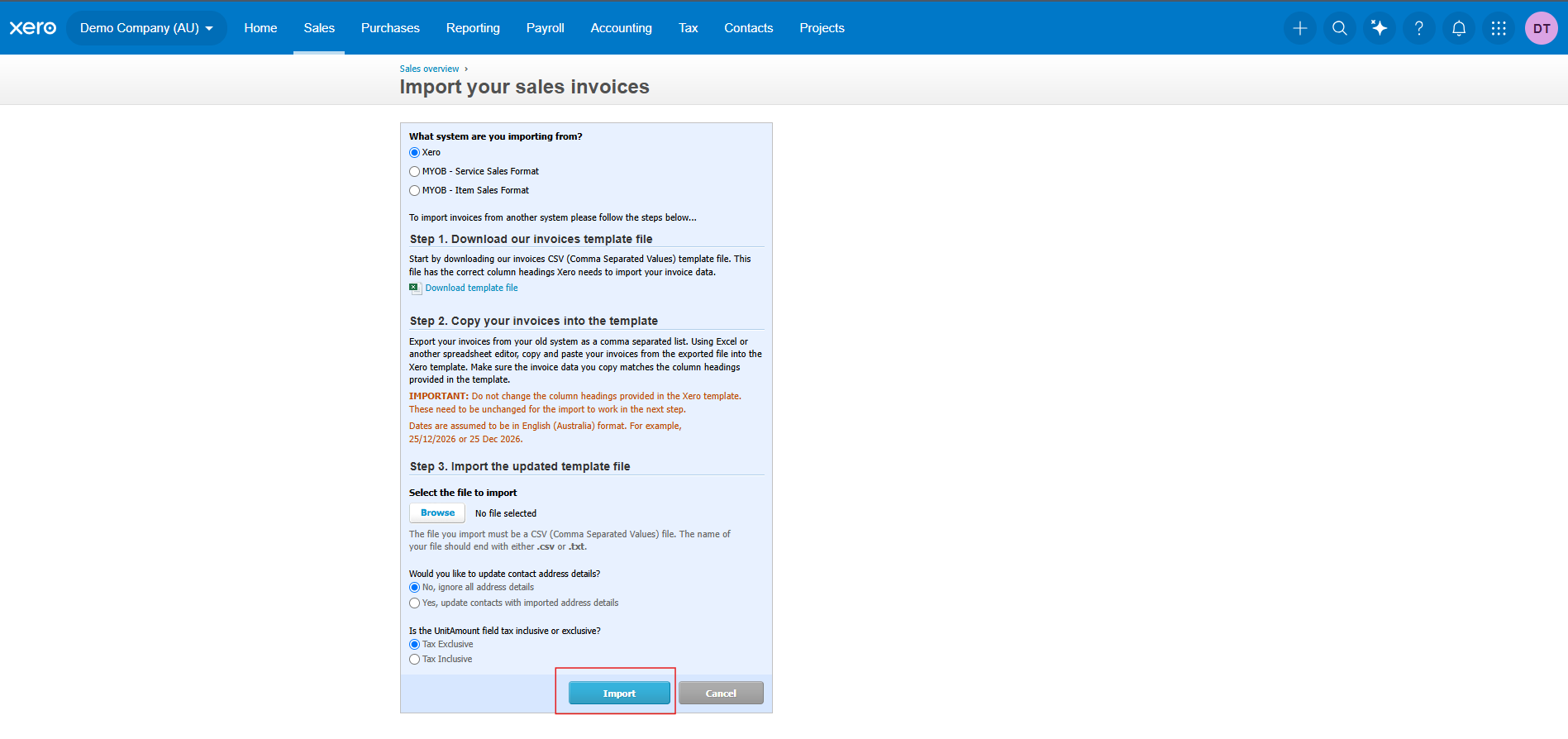
3. Click the Import button in the top menu
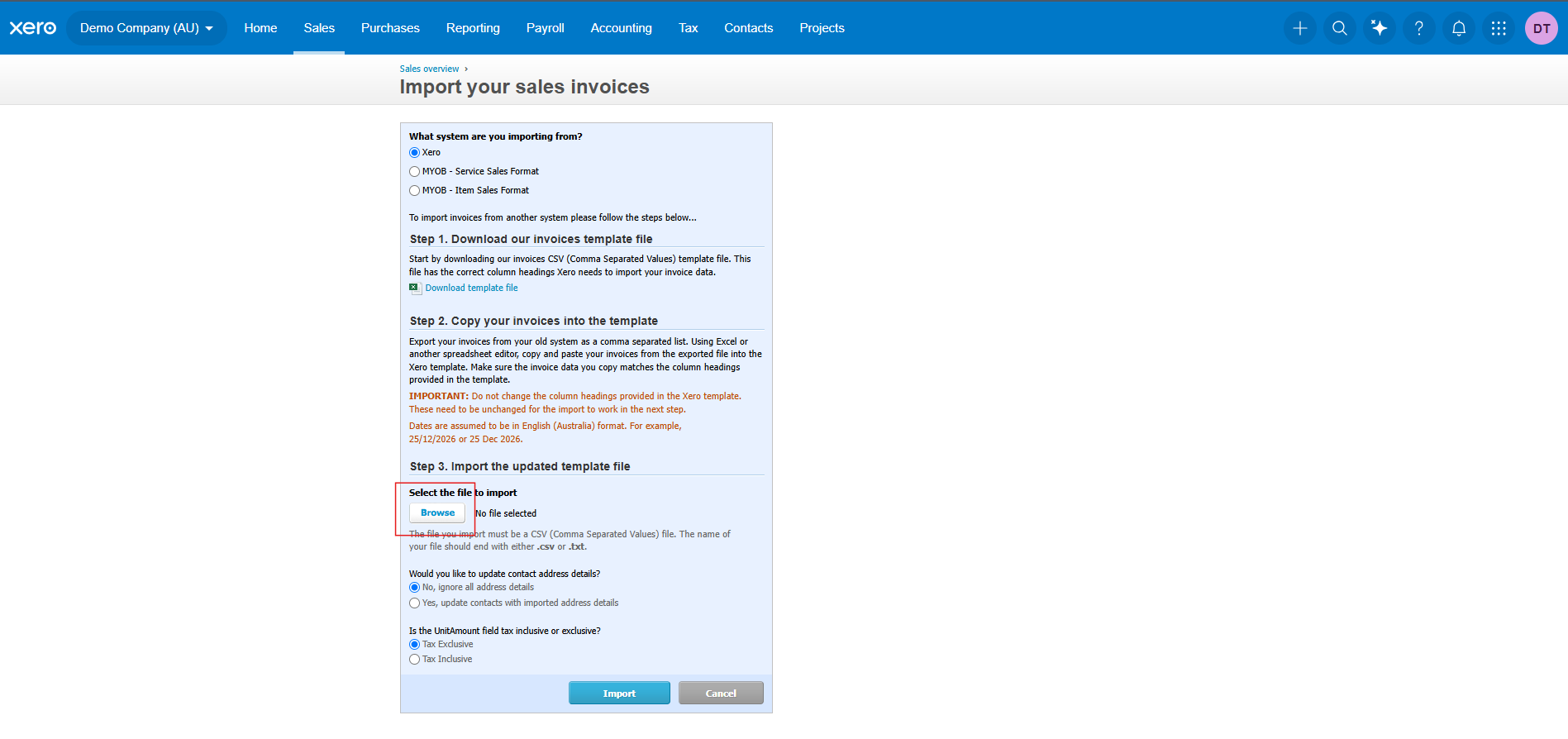
4. Choose Browse then upload the invoice file you exported from Cerely
5. Click Import, to preview and review the invoices
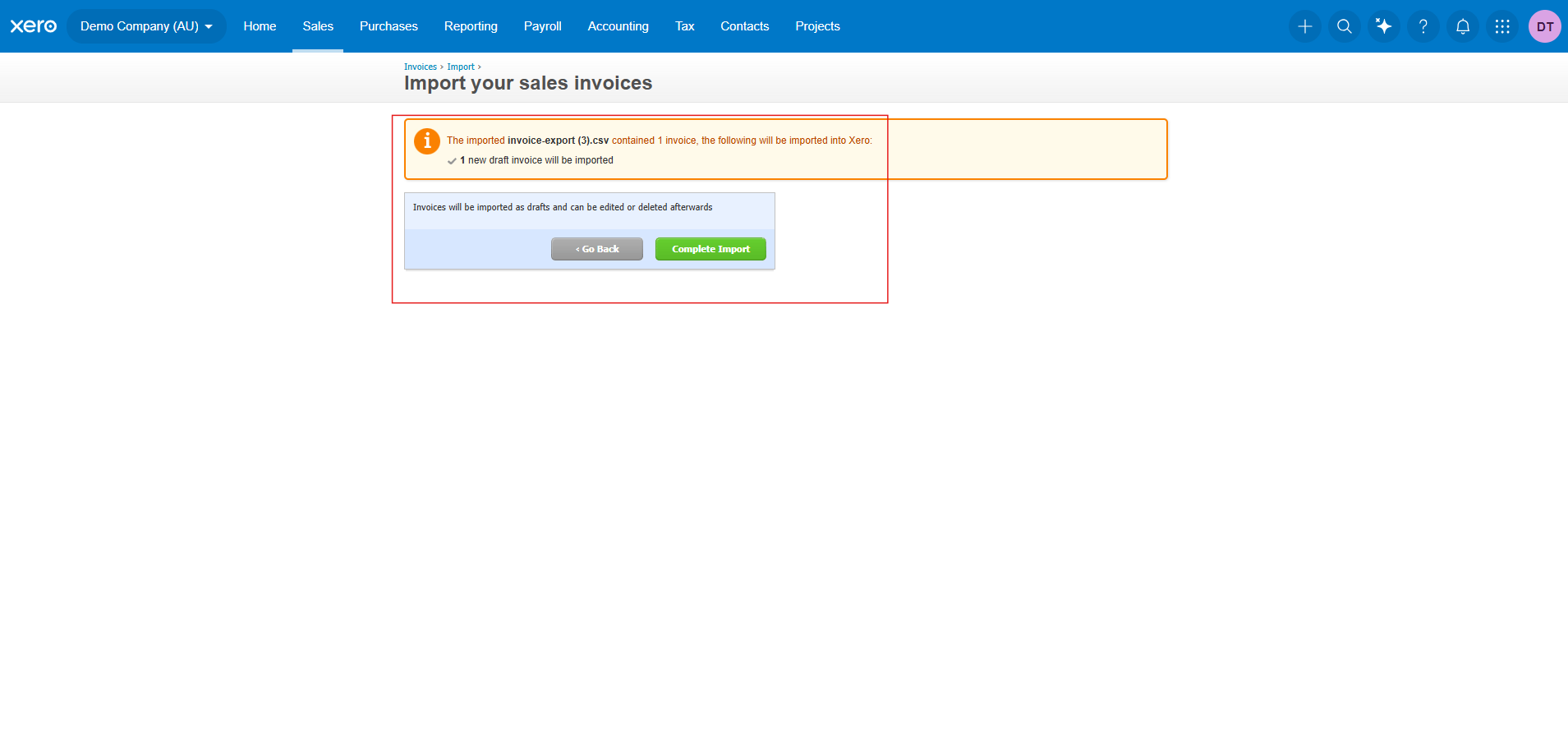
6. Confirm that all fields (e.g., Contact Name, Invoice Date, Due Date, Amount) are correctly mapped with 0 errors and click Complete Import
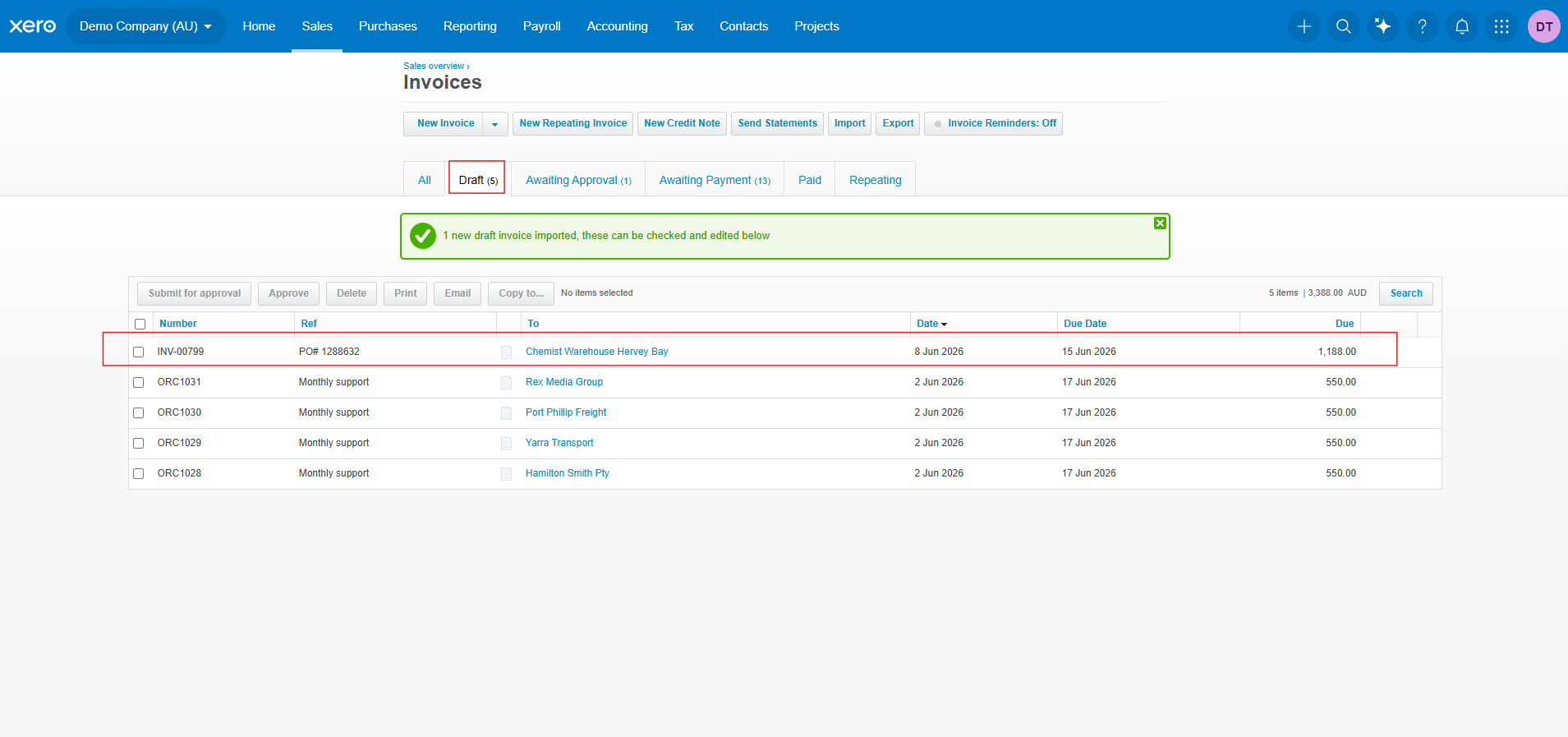
7. Your imported invoices will now appear in Drafts within Xero for your final review and approval
Important: Ensure the Client Name (Parent Company) or Site Name in Cerely matches exactly with the corresponding record in Xero. Any differences in spelling, spacing, or punctuation may cause import errors or rejected invoices.