
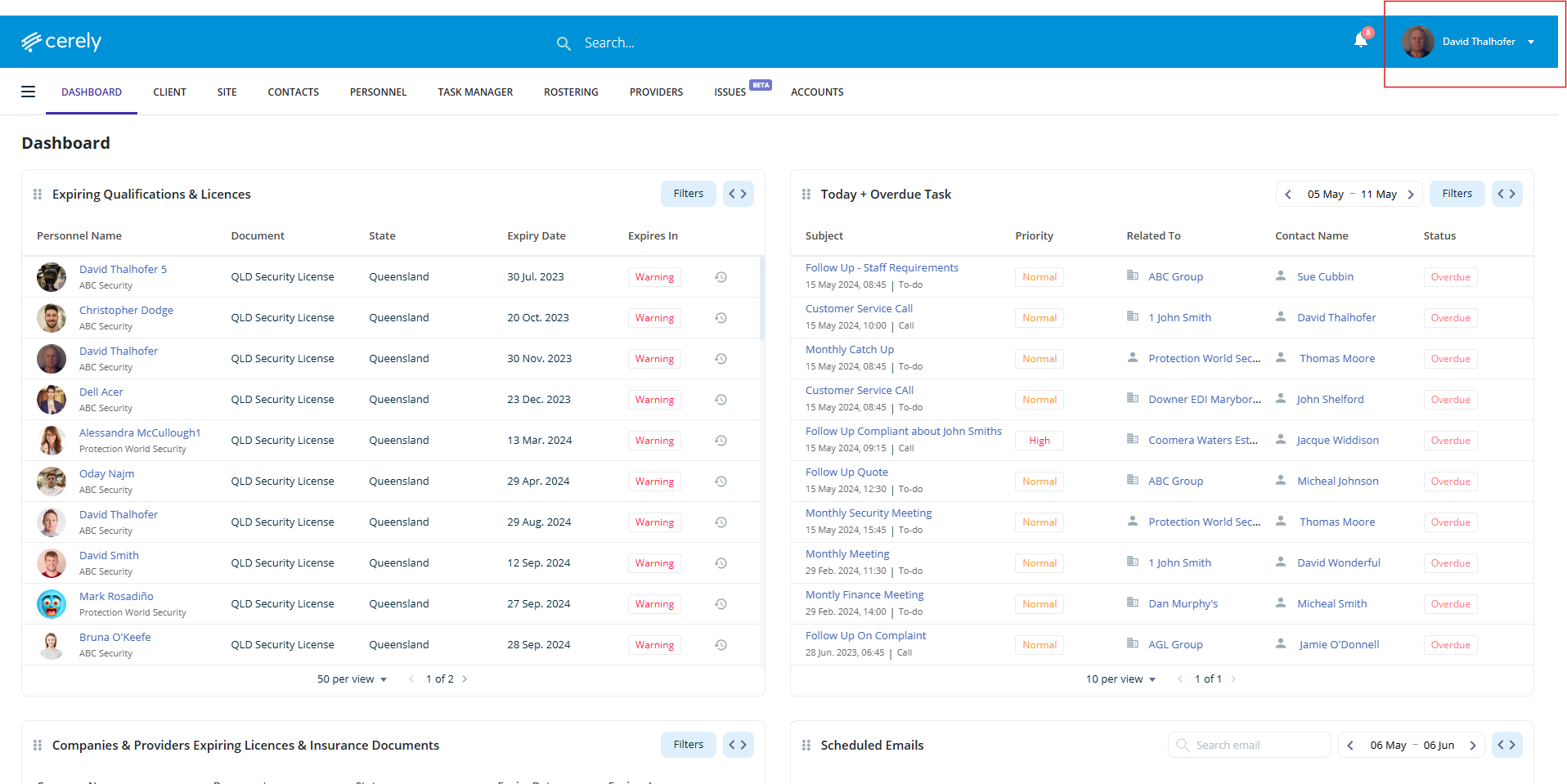
1. From the main menu, click your Profile Icon in the top right-hand corner
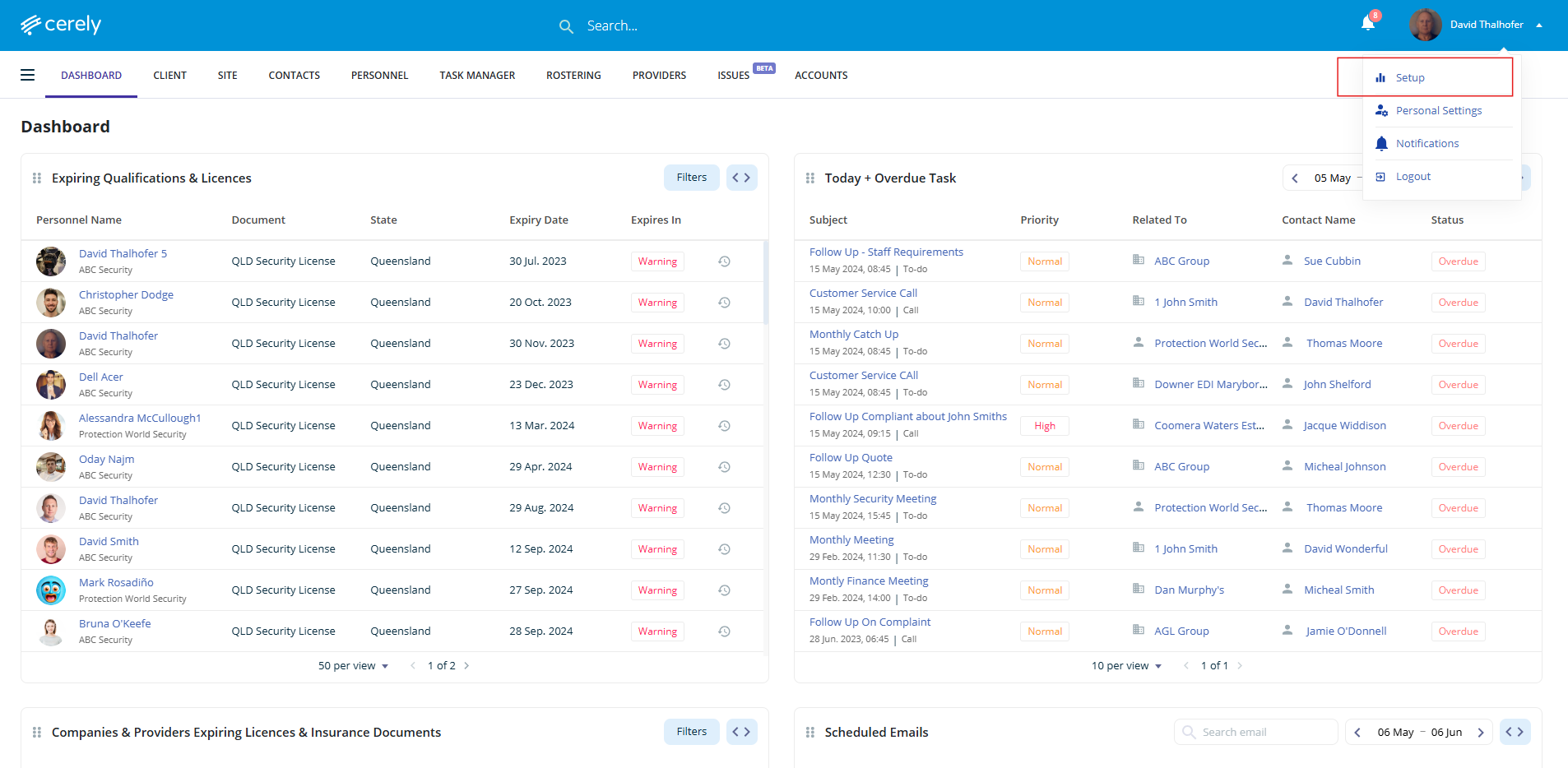
2. Click on Setup from the dropdown menu
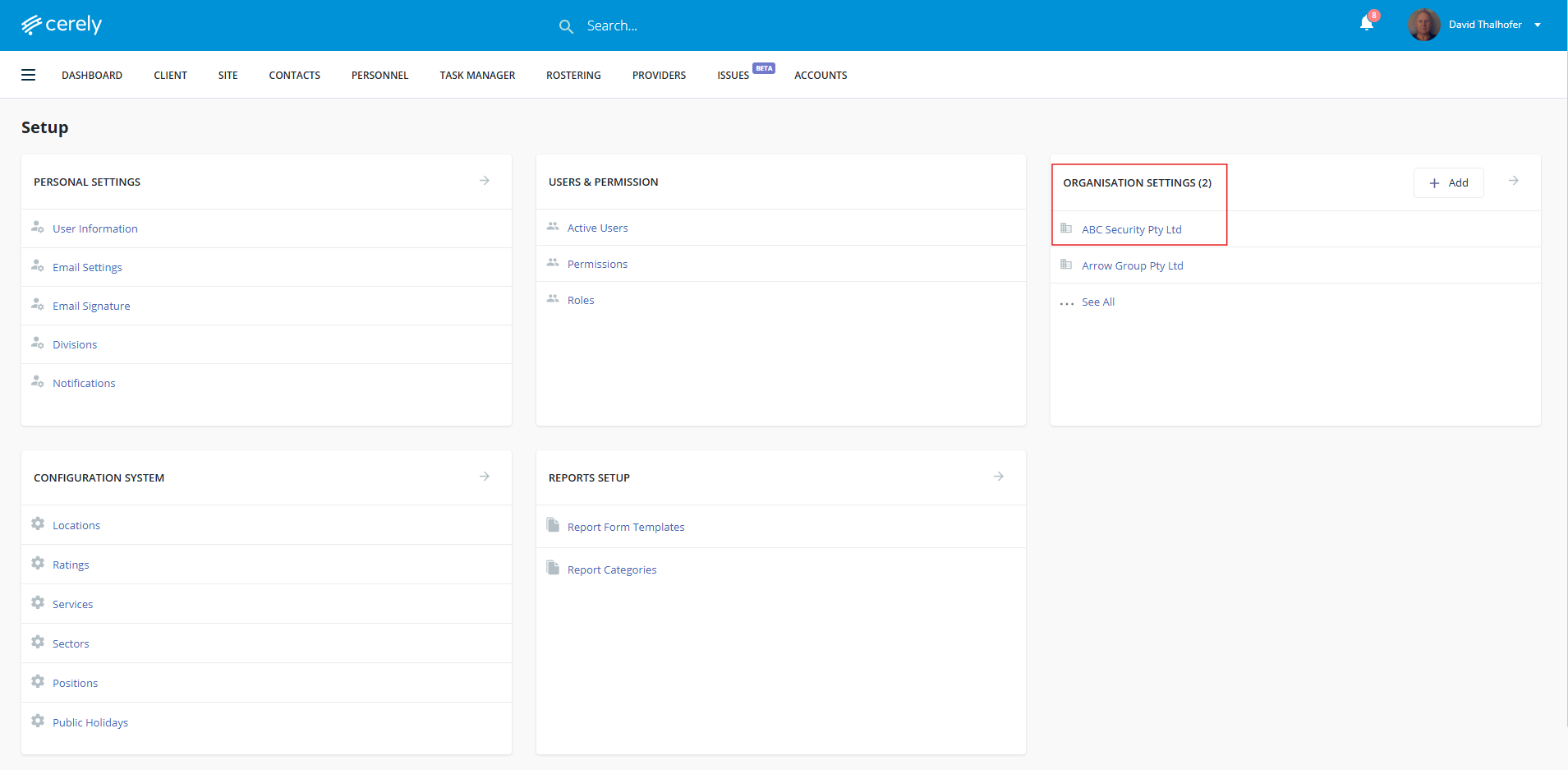
3. Under Organisation Settings, Click on your Organisation Name
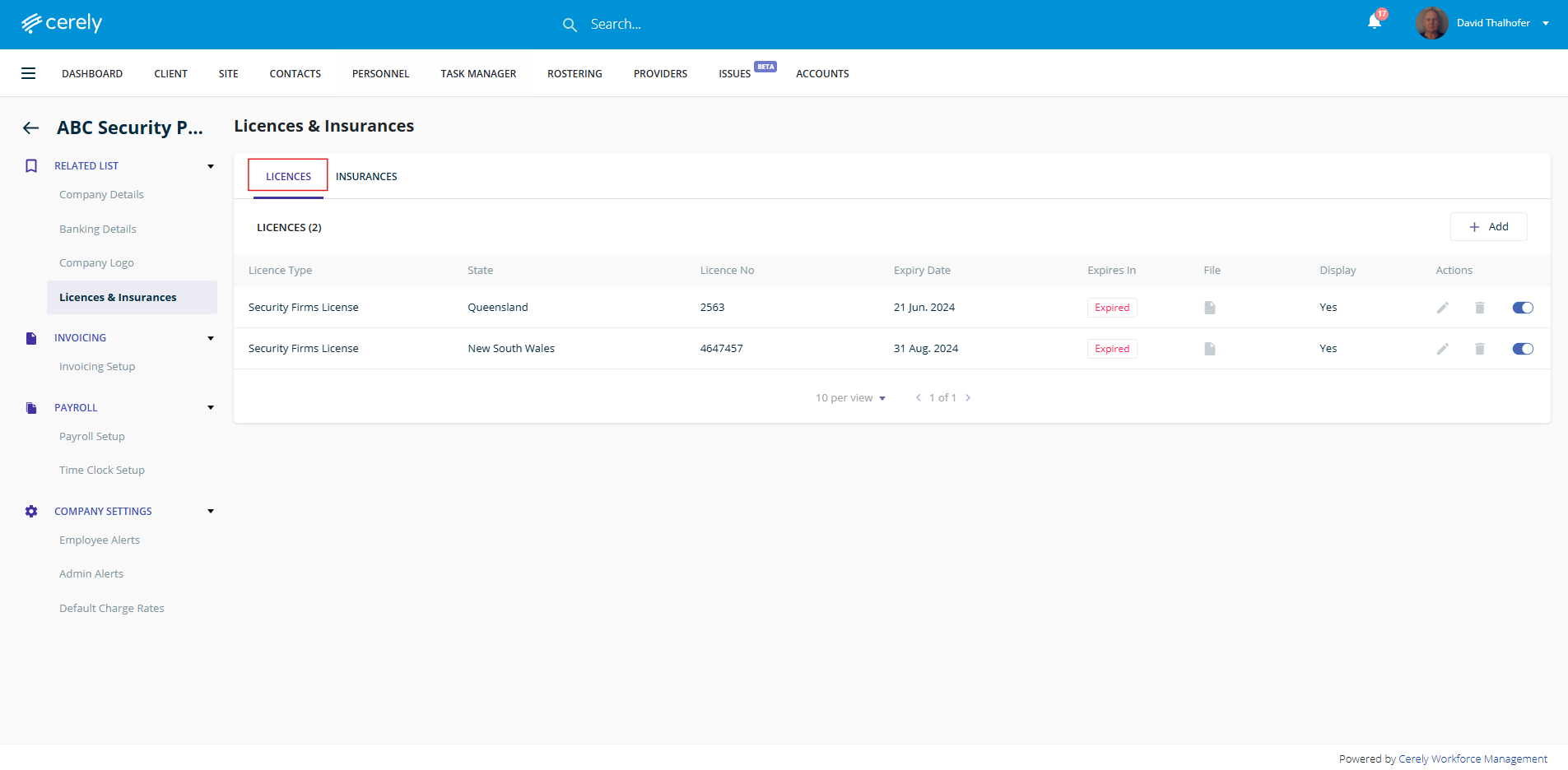
4. In the left-hand menu, click on Licences & Insurances
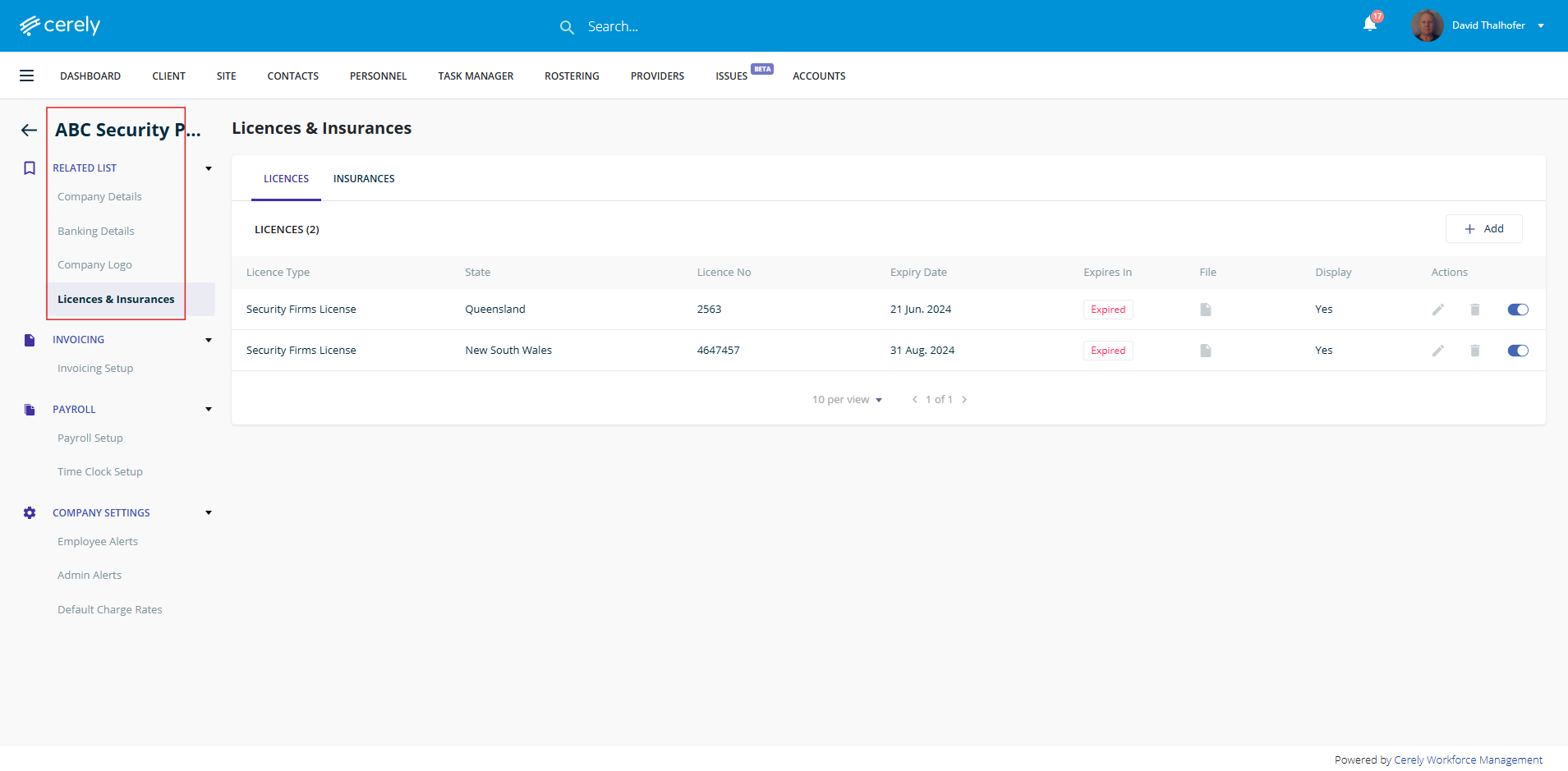
5. Click on the Licences tab
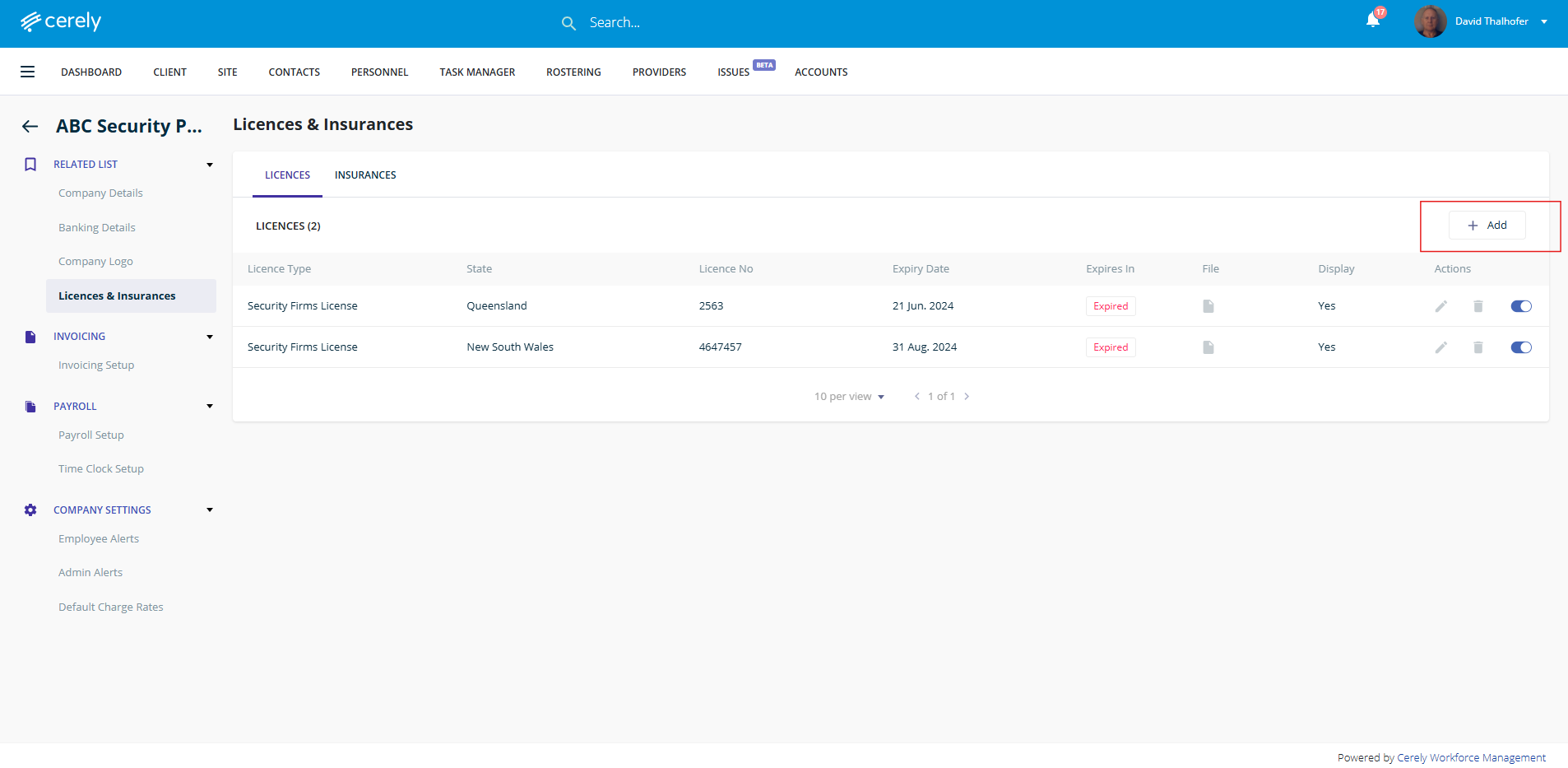
6. Click on + Add
7. To record and monitor a company firm license or could be know as master licence within the platform, add the following licence information.
- State - Select the relevant state from the dropdown menu where the licence is issued
- Licence Type - Choose the applicable licence type from the dropdown list
- Licence Number - Enter the unique licence number as printed on the official document
- Expiry Date - Select the expiry date of the licence
- Enforce Expiry - Select Yes or No to determine whether the platform will enforce expiry monitoring and compliance alerts
- Display in Register - Select Yes or No to control whether this licence will appear in the Crowd Control Register (Sign-On Register in NSW)
- Upload Licence File - Upload a copy of the licence document for verification and compliance records
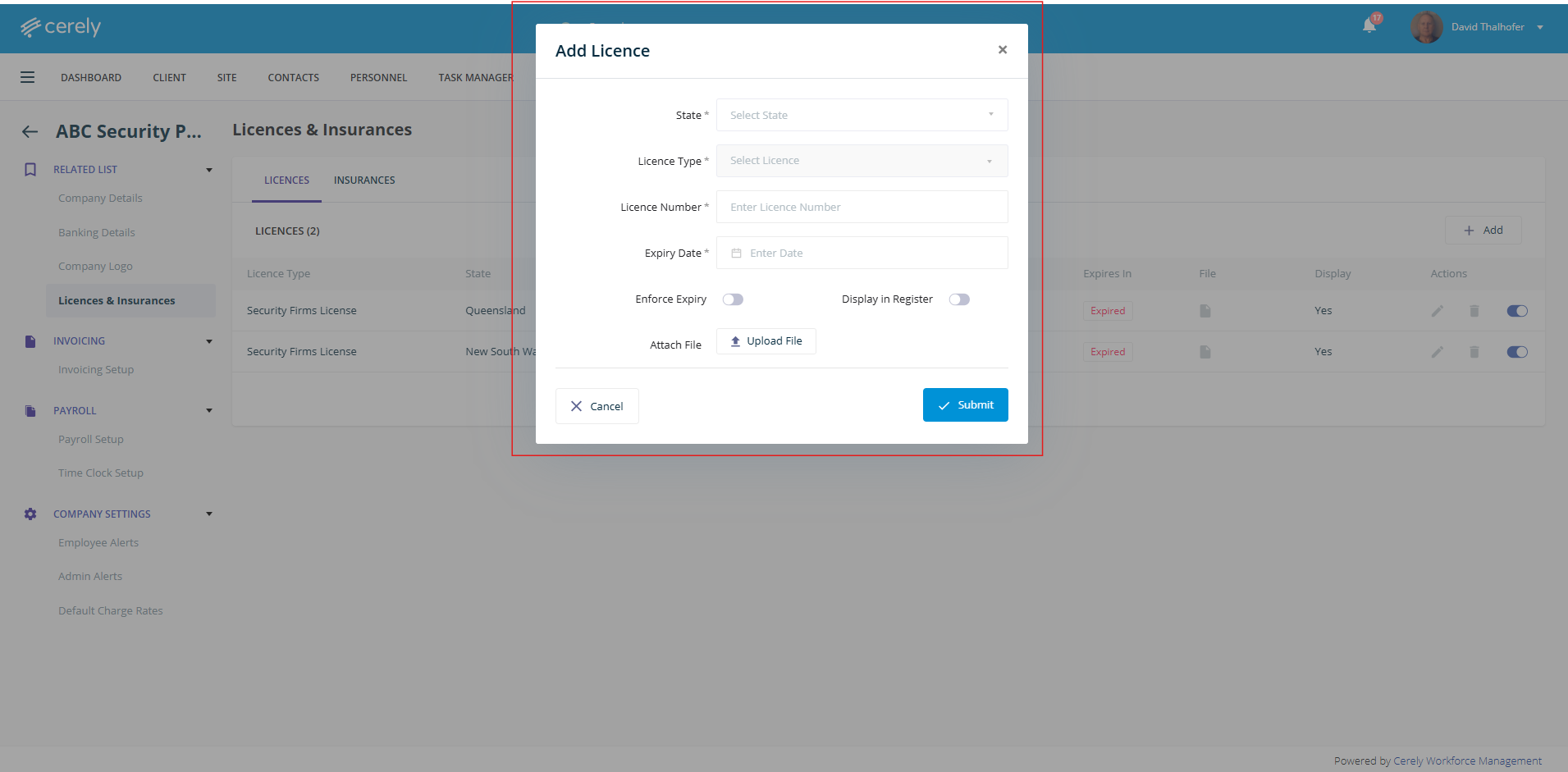
7. Click on submit to save the licence details to the system